Typography
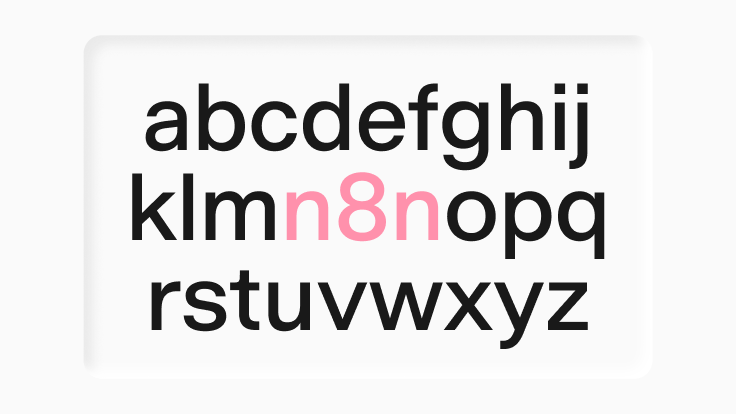
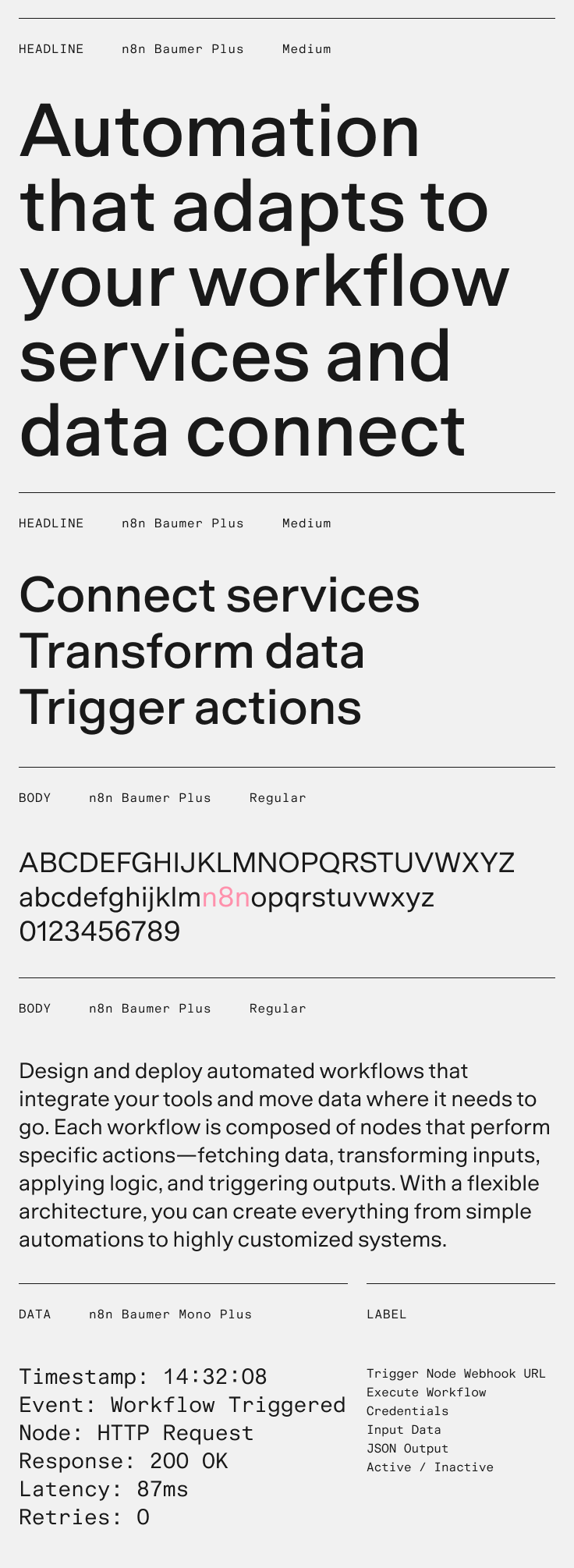
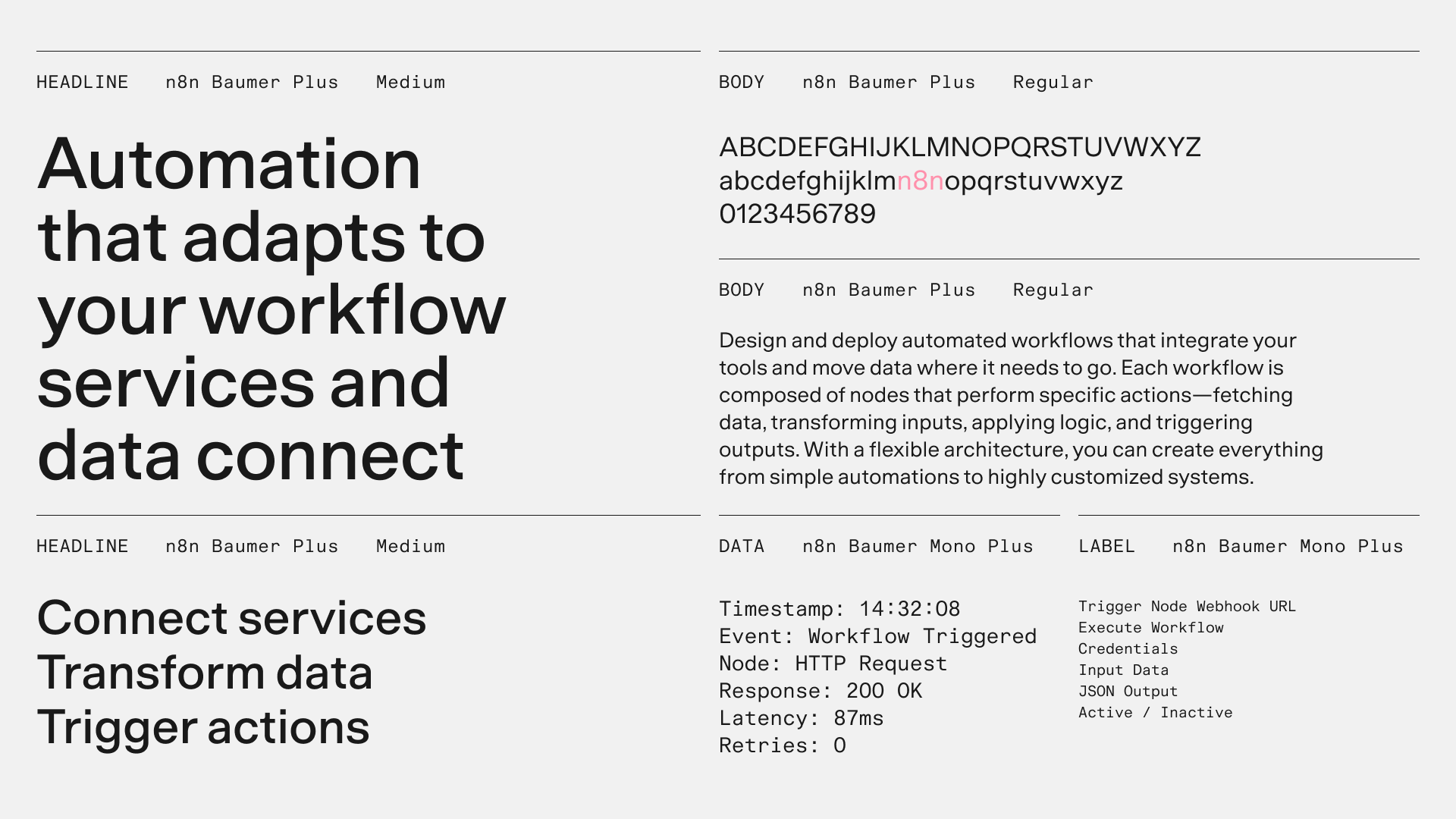
Our typography resolves a core tension: the brand needs to feel technical without being cold, and human without losing precision. n8n Baumer, a custom version of EK Baumer, strikes this balance. Its crisp, unfussy shapes keep it precise, while its open counters and terminals make it warm and approachable.
n8n Baumer
n8n Baumer doesn’t draw attention to itself. It gives the brand a calm, consistent foundation, so the graphic language, grid, and composition can take center stage.
Variable font files
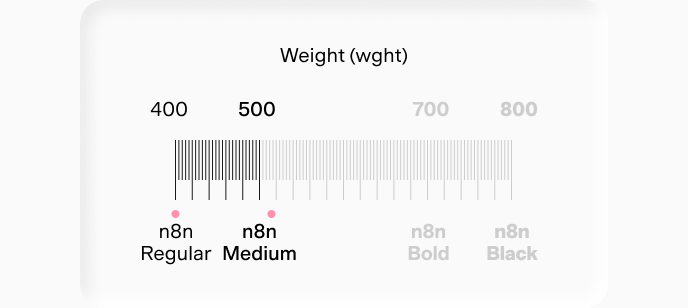
We use two variable font files: n8nBaumerPlus-VariableVF.ttf and n8nBaumerMonoPlus-VariableVF.ttf. Using variable fonts instead of a full set of static files saves time and server space, and makes it easier to select weights in development.
Variable fonts support any weight, but we use only two: Regular (400) and Medium (500).
Static .otf files are also available. Use them only when software doesn’t support variable fonts.
Typographic scale
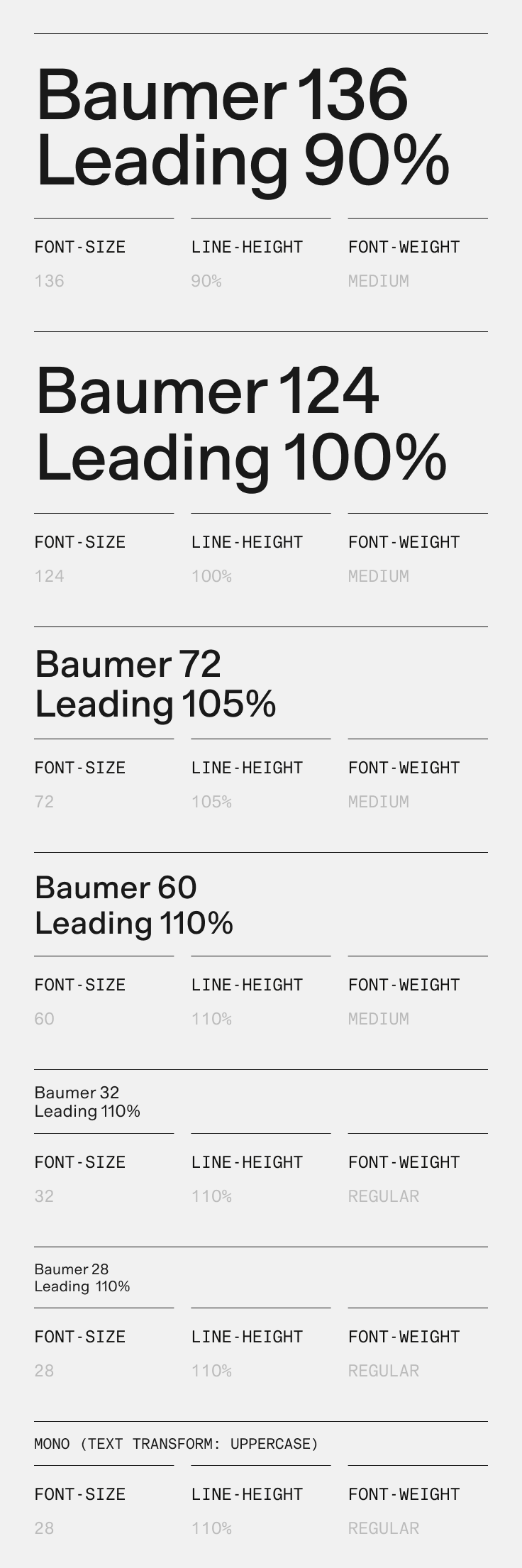
Type sizes and line heights are always multiples of 4px. This keeps type aligned with our 8px grid across every platform and format, from the website design system to the social toolkit.
Set headlines with tighter leading and tracking, so they feel confident and concise. Set body copy with slightly looser leading and tracking, so it’s easy to read.
Never set leading so tight that ascenders and descenders touch or overlap. If they clash, increase the leading in 4px steps until they don’t.
Typeface in use
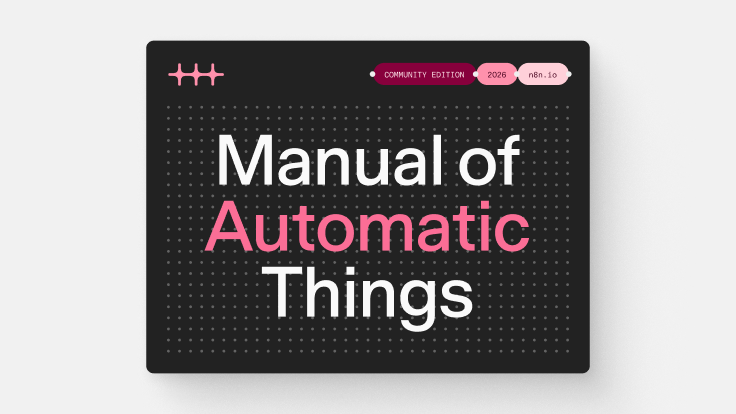
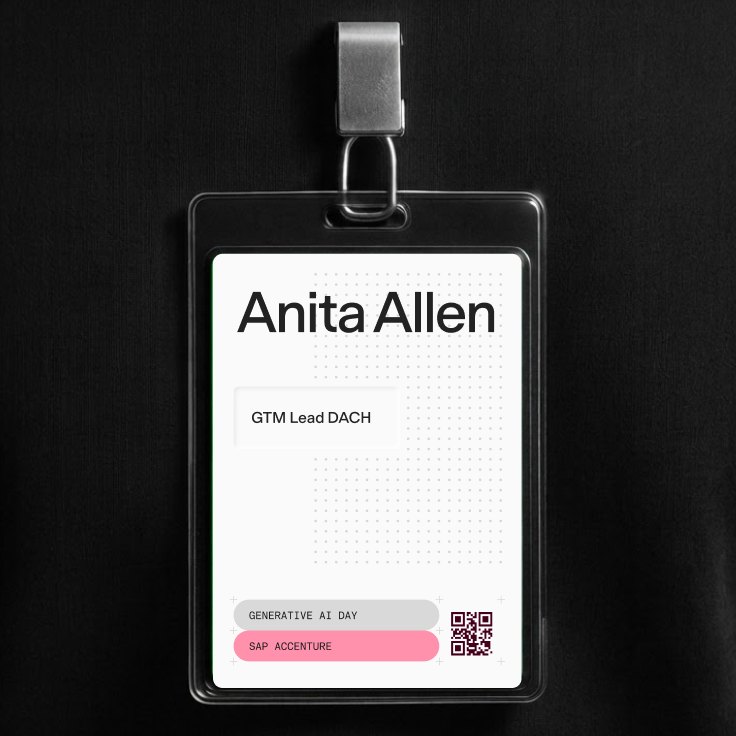
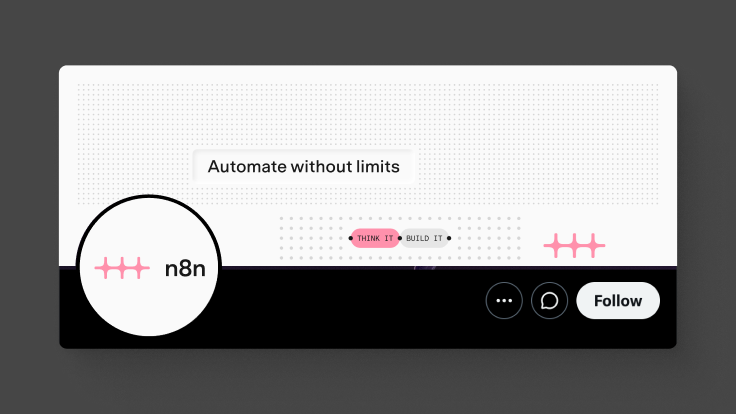
Below are examples of n8n Baumer in use. Along with the rules above, the typeface works best when it’s set simply and consistently. Create hierarchy with size and placement, not color or decoration.
Type + graphic devices
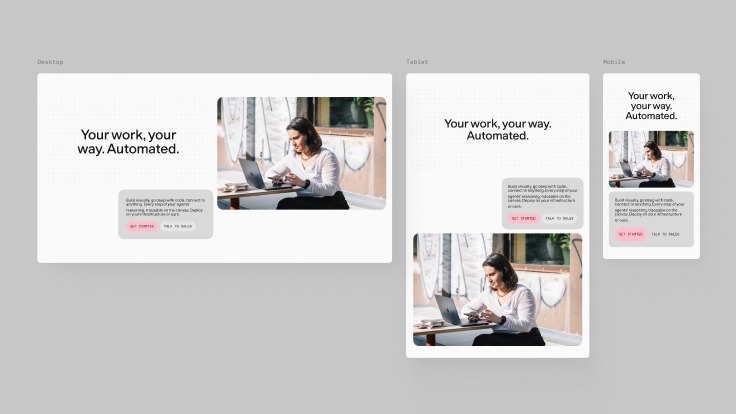
Our three graphic devices, the dot grid, debossed panels, and capsules, each use type differently. On the dot grid, type should sit cleanly without clashing with the dots. Debossed panels hold centered text, usually headlines, above the layout. Capsules hold short labels and sit at the lowest level of the hierarchy.
Dot grid
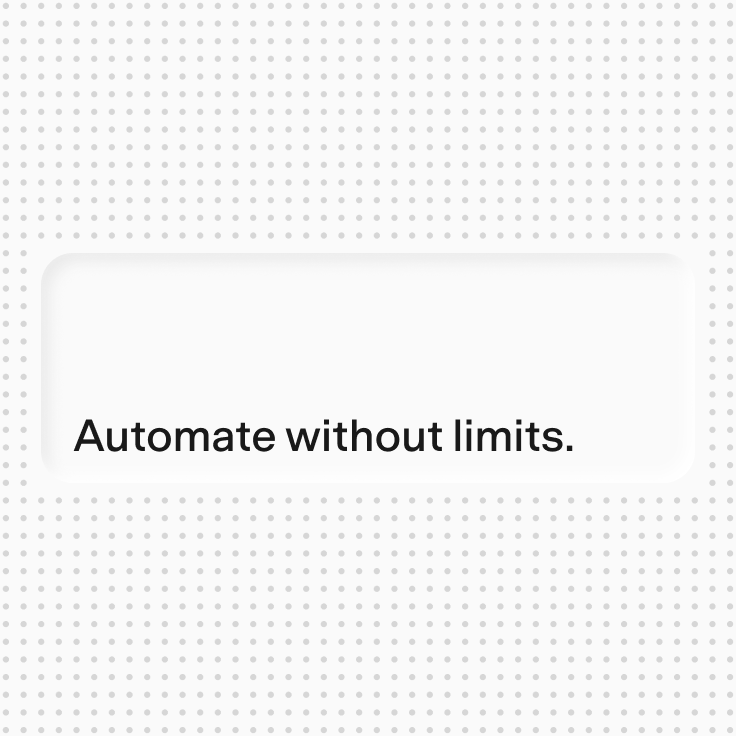
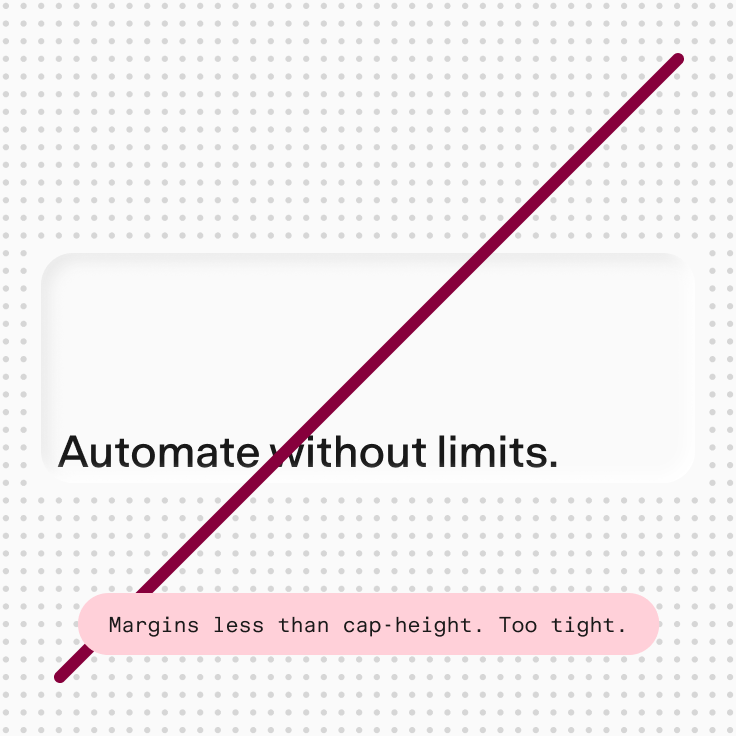
Keep type clear of the dots. Wherever possible, leave an even margin between the type and the dots above it, to its left, and below it. Don’t set small body copy on the dot grid, because the dots and letterforms start to clash.

Debossed panels
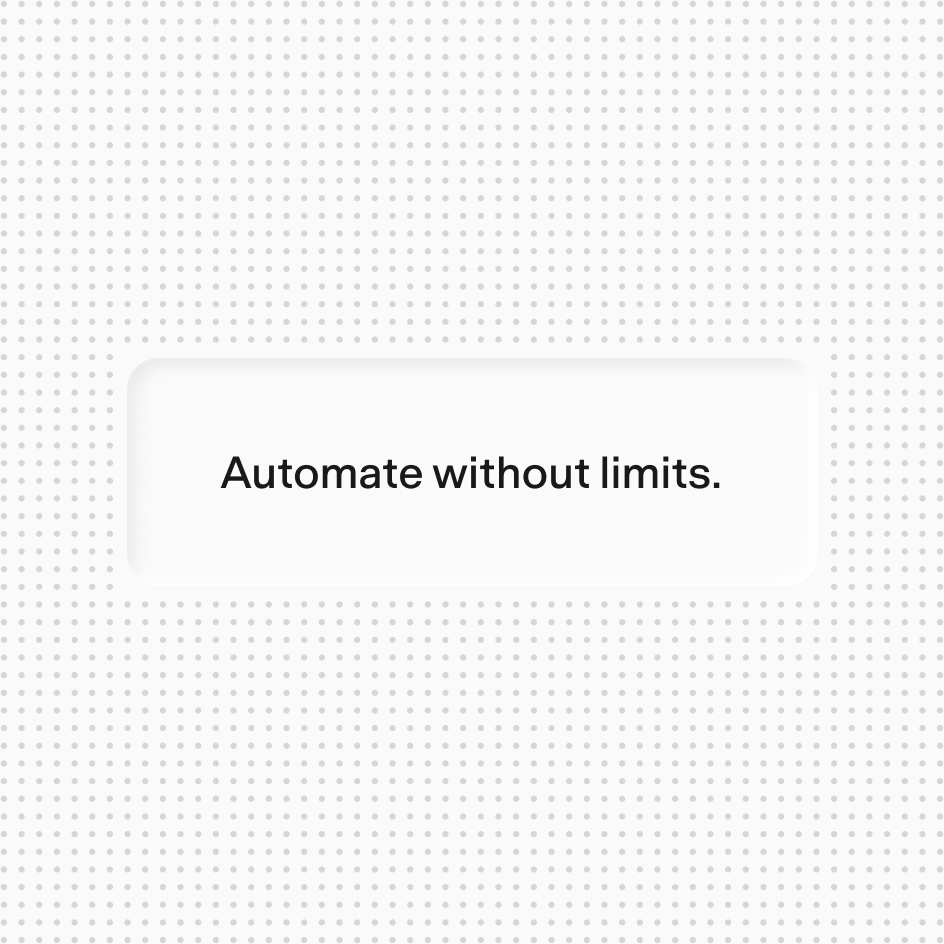
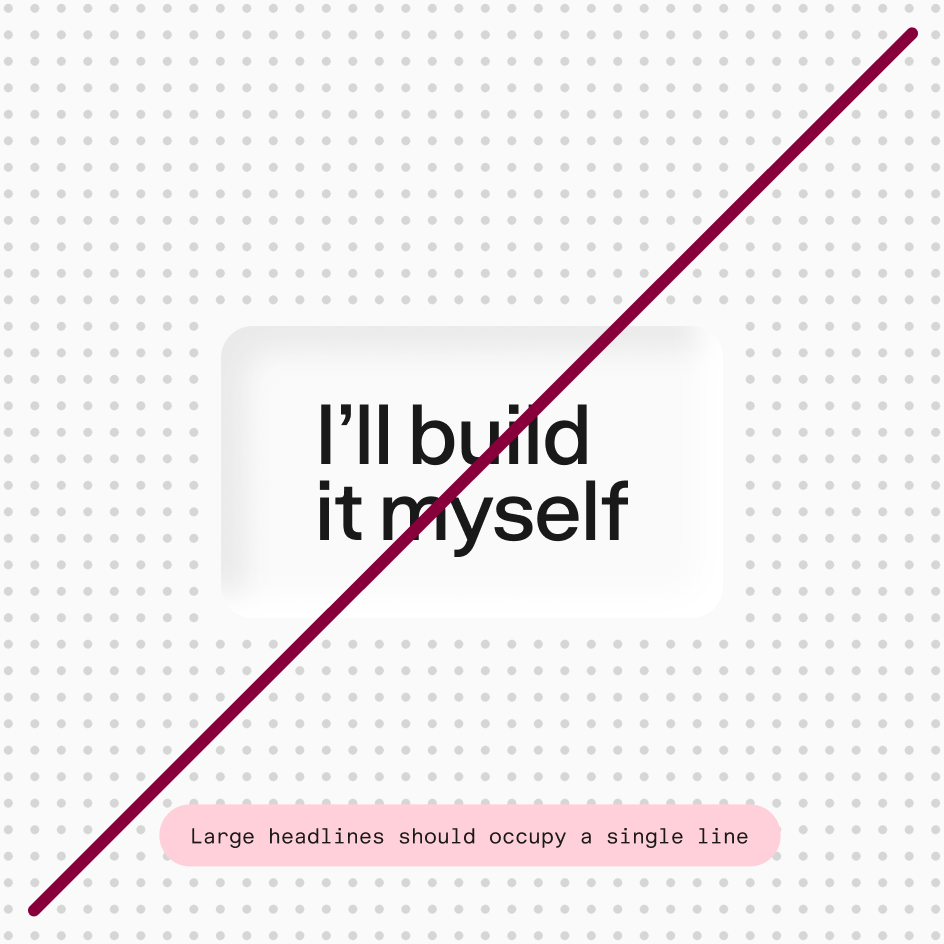
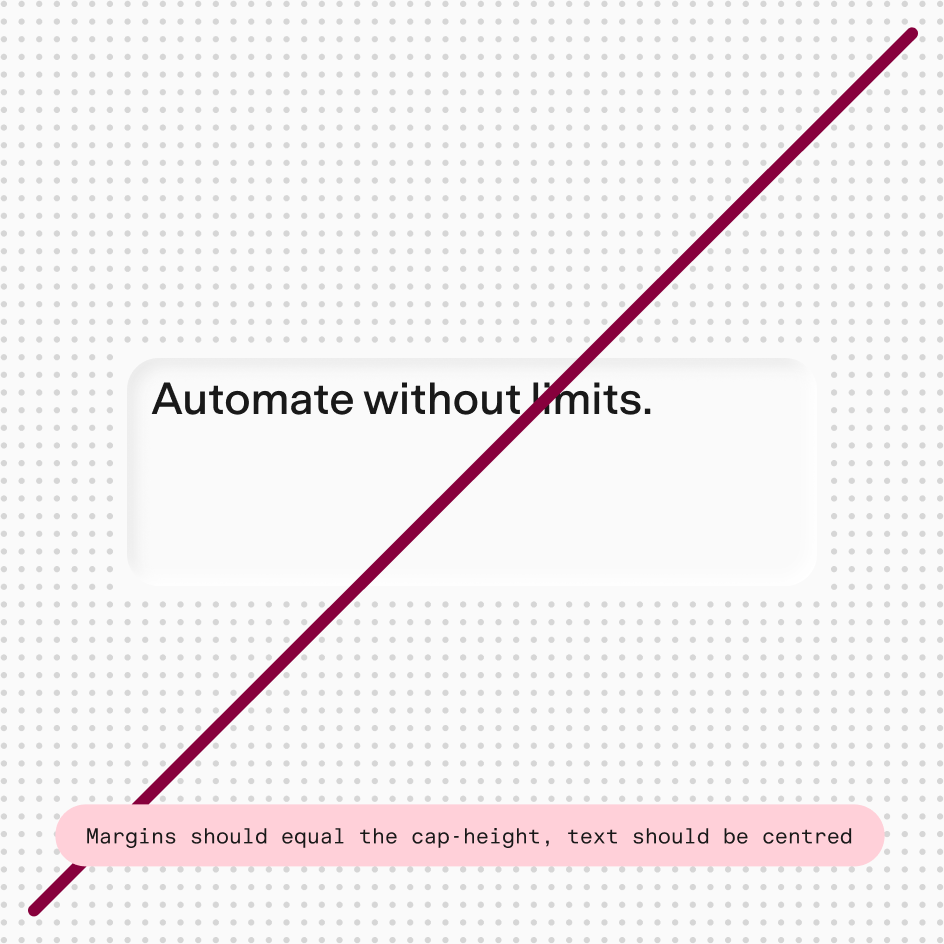
Use debossed panels mainly for headlines. Center the text vertically and horizontally, with padding at least equal to the line height of the text. Size each panel in whole dot-grid units so it sits exactly on the grid.
Headlines L, Deboss L

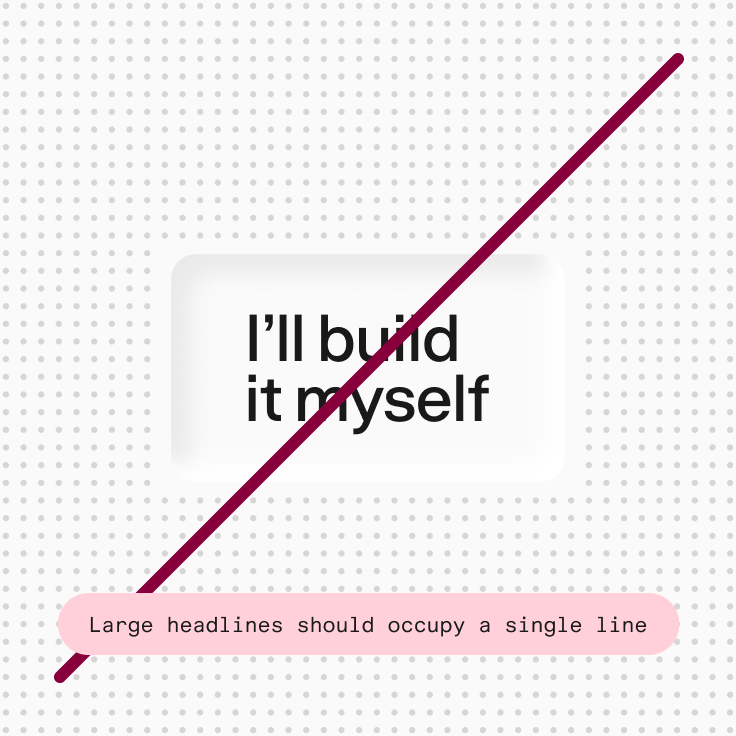
Headlines S, Deboss S
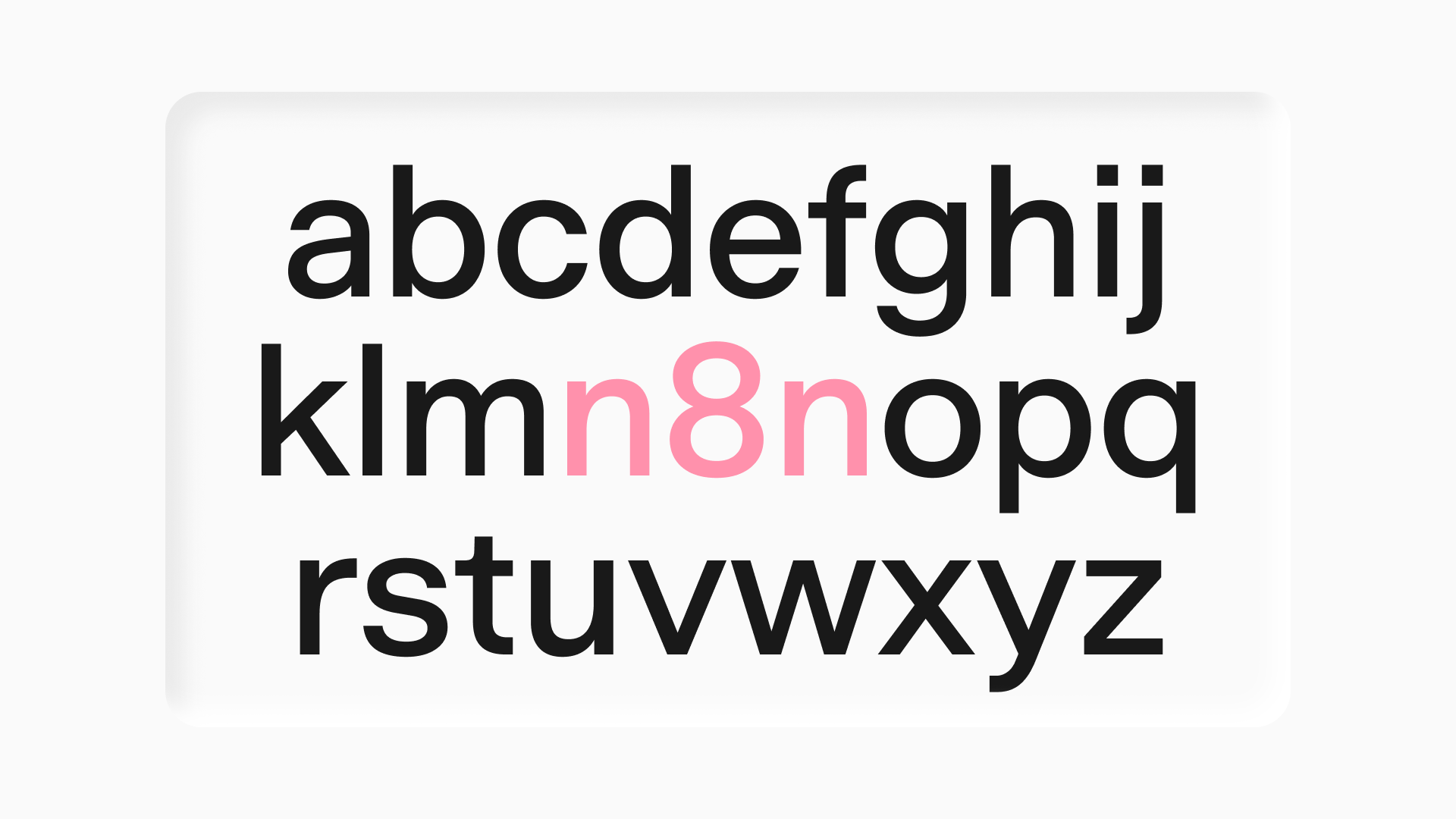
Our typography resolves a core tension: the brand needs to feel technical without being cold, and human without losing precision. n8n Baumer, a custom version of EK Baumer, strikes this balance. Its crisp, unfussy shapes keep it precise, while its open counters and terminals make it warm and approachable.
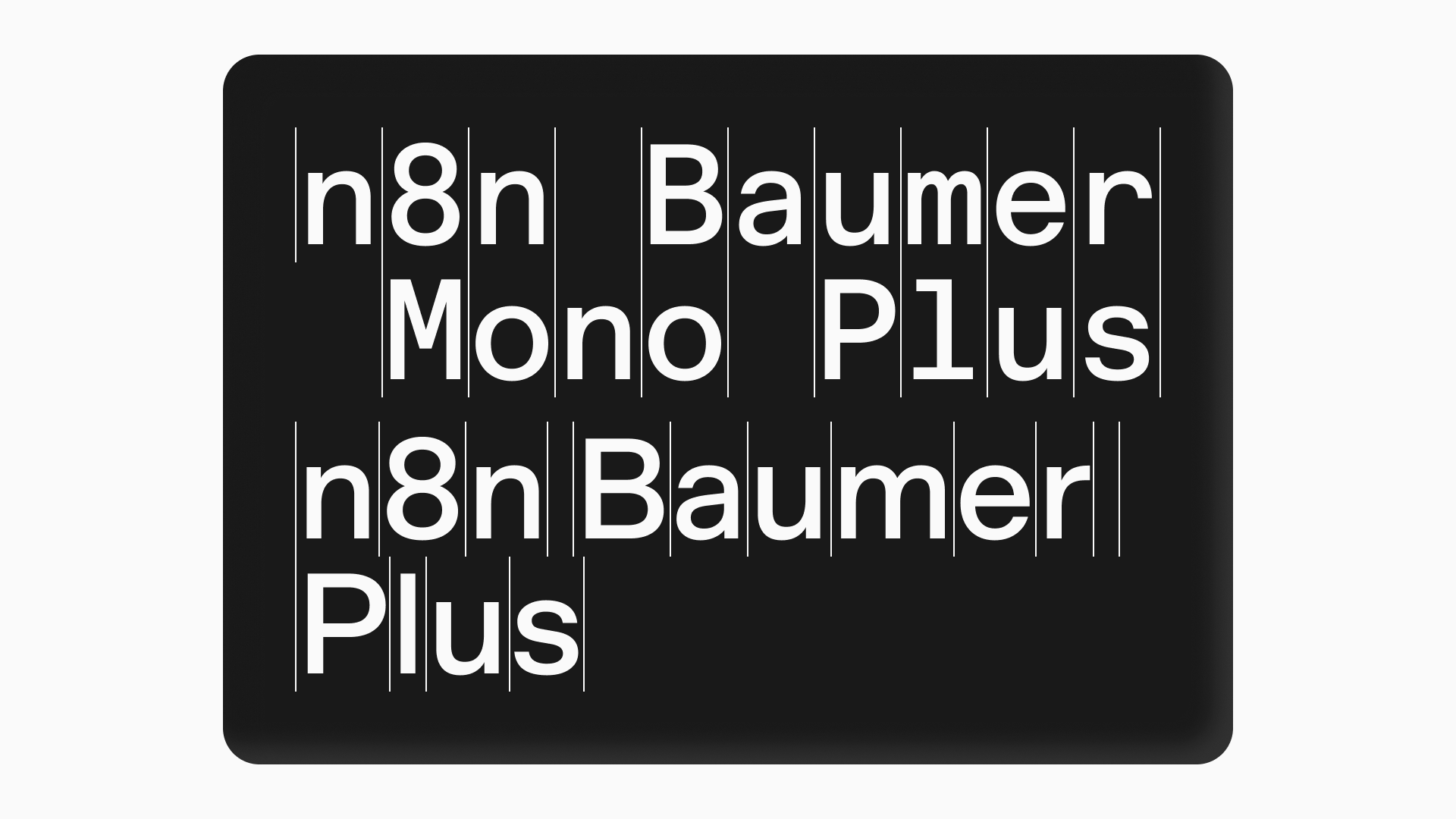
n8n Baumer
n8n Baumer doesn’t draw attention to itself. It gives the brand a calm, consistent foundation, so the graphic language, grid, and composition can take center stage.
Typeface
n8n Baumer differs from the original EK Baumer in one small but noticeable way: we replaced the default lowercase “a” with its first alternate. The alternate drops the tail of the classic neo-grotesque “a” for a simpler, tailless form.
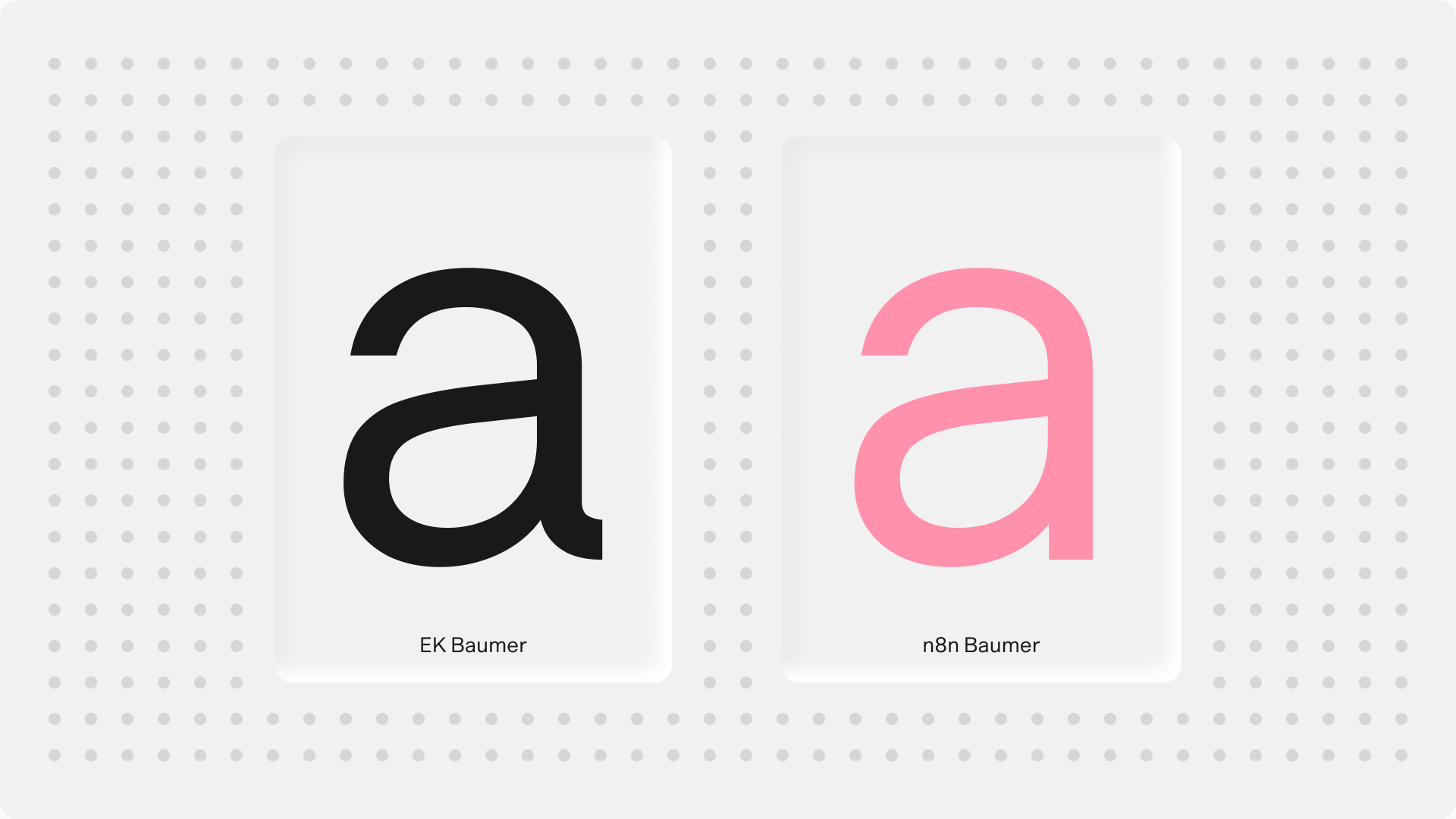
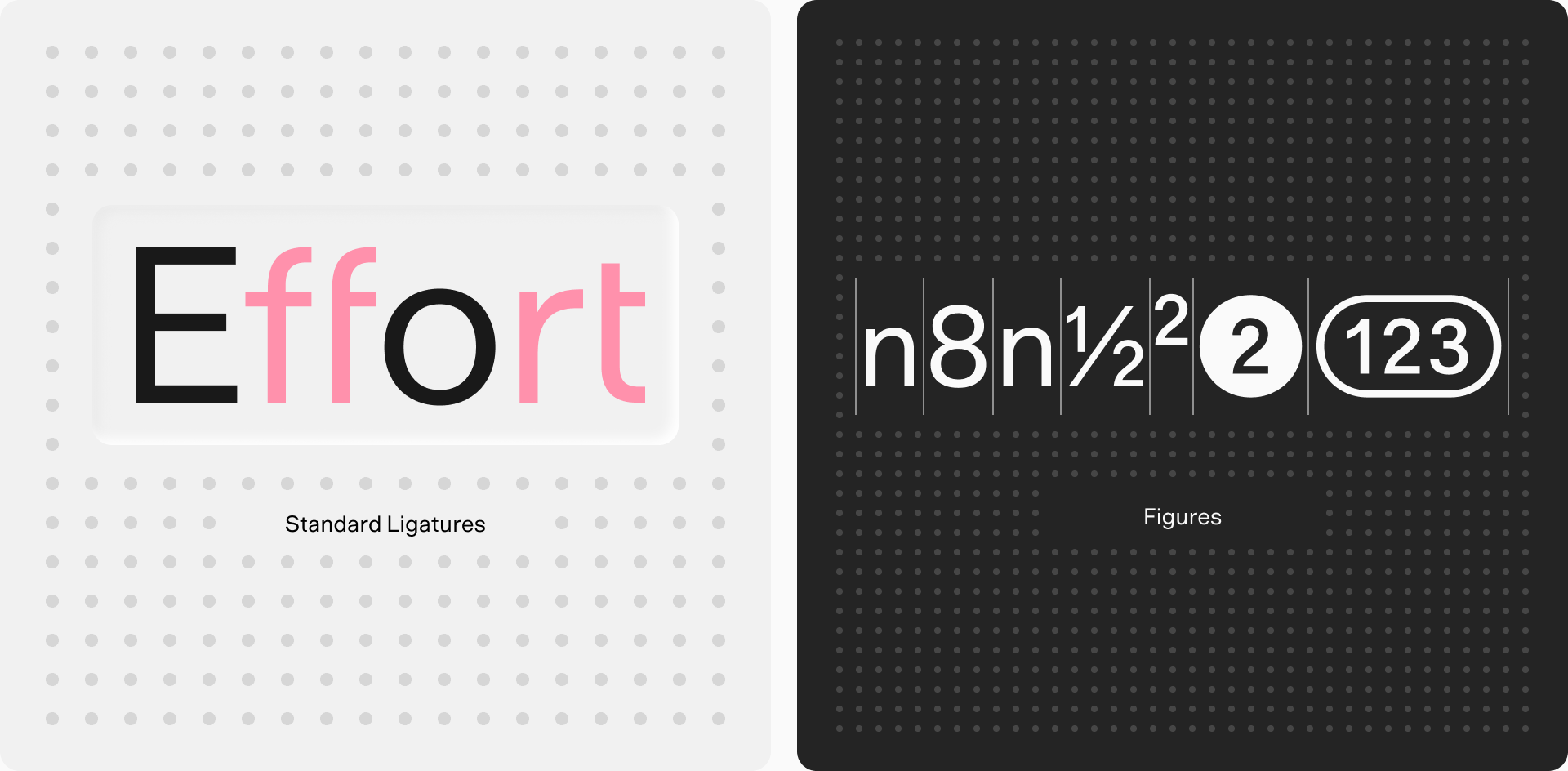
This keeps the typeface from reading as just another neo-grotesque, one of many lookalike sans serifs. The tailless “a” gives it an assured rhythm, an even texture on the page, and a quiet technical confidence. Baumer’s ligatures add a sense of efficiency, and its extensive set of figures leaves room for more typographic expression in the future.
Variable font files
We use two variable font files: n8nBaumerPlus-VariableVF.ttf and n8nBaumerMonoPlus-VariableVF.ttf. Using variable fonts instead of a full set of static files saves time and server space, and makes it easier to select weights in development.
Variable fonts support any weight, but we use only two: Regular (400) and Medium (500).
Static .otf files are also available. Use them only when software doesn’t support variable fonts.

Typographic scale
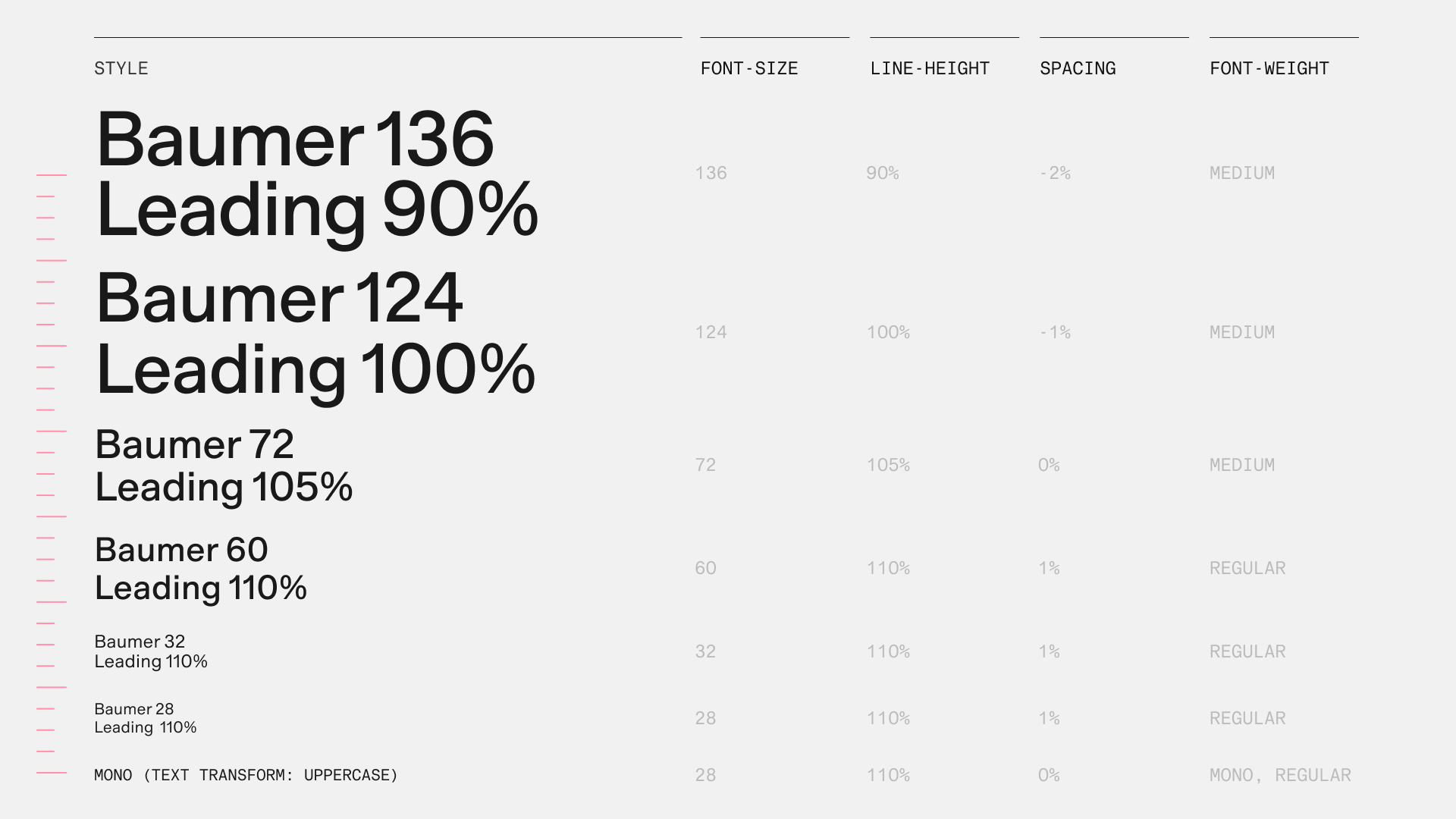
Type sizes and line heights are always multiples of 4px. This keeps type aligned with our 8px grid across every platform and format, from the website design system to the social toolkit.
Set headlines with tighter leading and tracking, so they feel confident and concise. Set body copy with slightly looser leading and tracking, so it’s easy to read.
Never set leading so tight that ascenders and descenders touch or overlap. If they clash, increase the leading in 4px steps until they don’t.
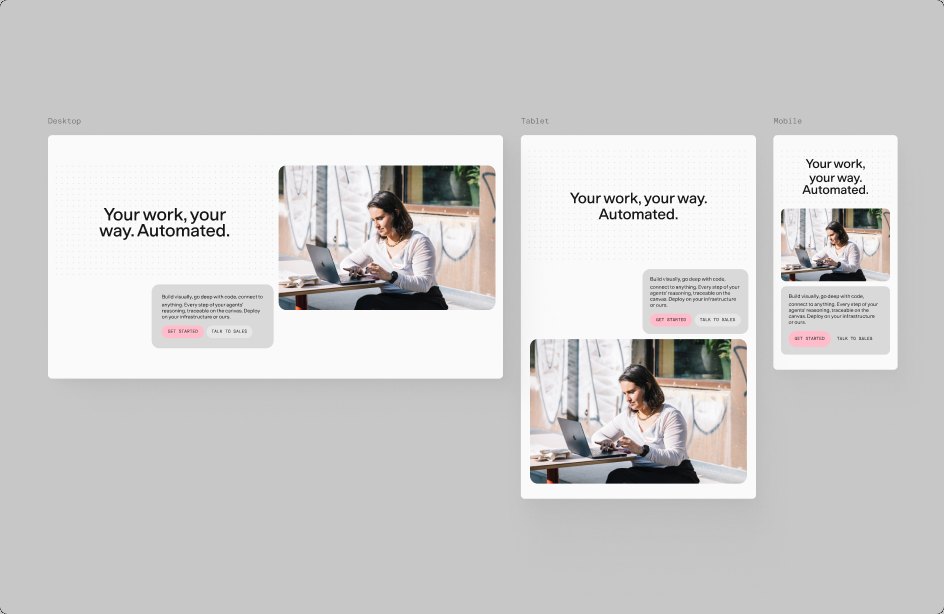
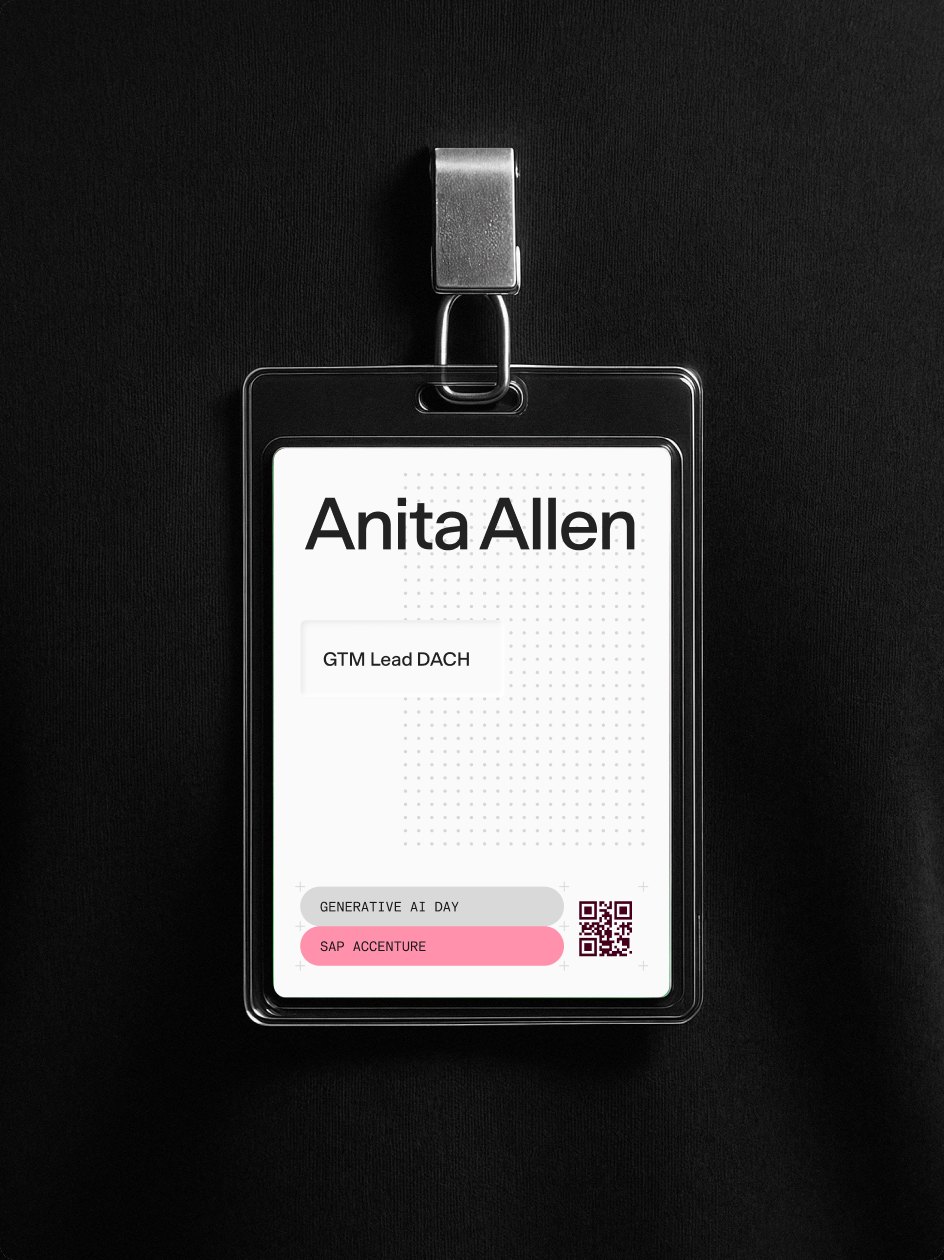
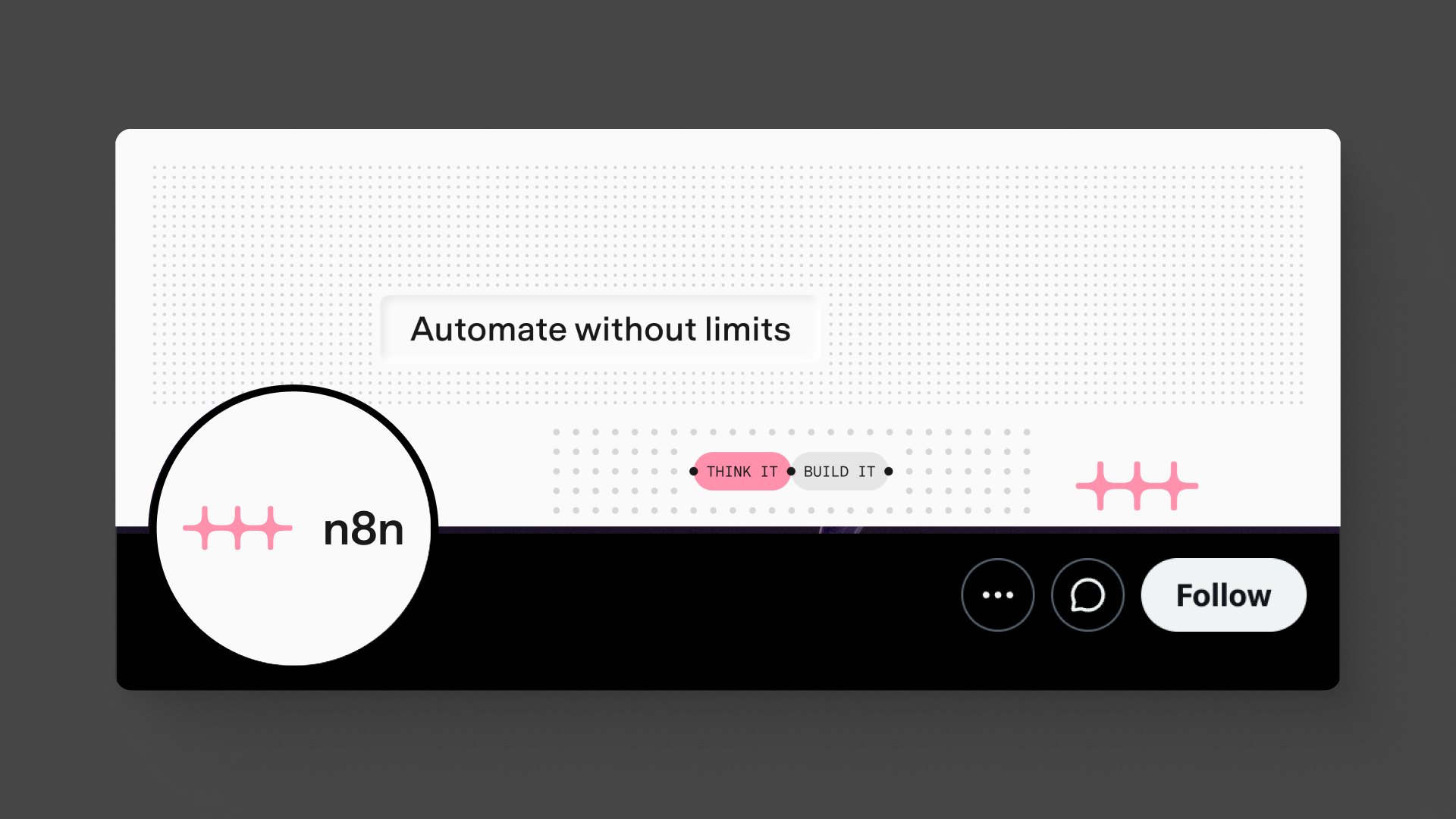
Typeface in use
Below are examples of n8n Baumer in use. Along with the rules above, the typeface works best when it’s set simply and consistently. Create hierarchy with size and placement, not color or decoration.

Type + graphic devices
Our three graphic devices, the dot grid, debossed panels, and capsules, each use type differently. On the dot grid, type should sit cleanly without clashing with the dots. Debossed panels hold centered text, usually headlines, above the layout. Capsules hold short labels and sit at the lowest level of the hierarchy.
Dot grid
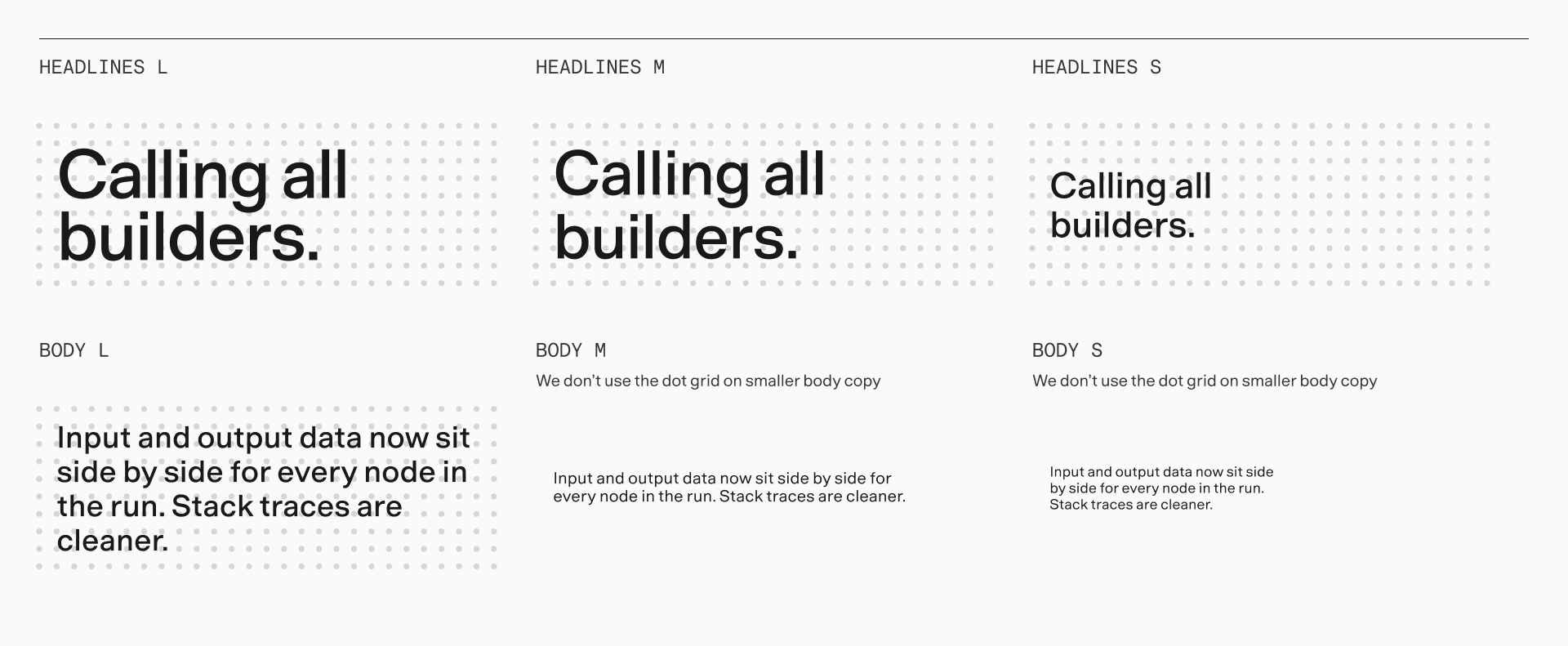
Keep type clear of the dots. Wherever possible, leave an even margin between the type and the dots above it, to its left, and below it. Don’t set small body copy on the dot grid, because the dots and letterforms start to clash.
Debossed panels
Use debossed panels mainly for headlines. Center the text vertically and horizontally, with padding at least equal to the line height of the text. Size each panel in whole dot-grid units so it sits exactly on the grid.
Headlines L, Deboss L
Headlines S, Deboss S