

Build with AI
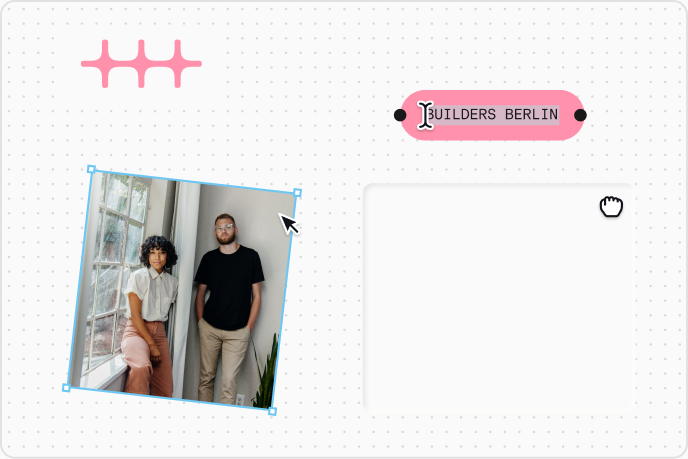
Give your AI agent the n8n brand. Whether you’re designing, prototyping, or vibe coding, an n8ndesign.md file tells your agent how n8n looks and feels, so what it builds is on-brand from the start.
Set up your agent
1.Download the n8ndesign.md file.
Download n8ndesign.mdV5 · Updated Oct 19, 20262.Put it where your agent looks
Copy this into CLAUDE.md@n8ndesign.md3.Tell your agent how to use it
Copy thisBefore you design or build any UI, read n8ndesign.md and follow it exactly: colors, spacing, type and logo usage. If something isn't covered, ask me instead of guessing.
Prompts to try
Be specific about what you want and point it back to the n8ndesign.md file.
Build
Build the hero of an events page for [event] that follows n8ndesign.md: name, date, city, and a sign-up button. Pick the logo variant that fits the background.Create
Make a 1080×1080 social card announcing [news], on-brand per n8ndesign.md. Use pink for one accent only.Adapt
Turn this screenshot into a component that follows n8ndesign.md. Reuse its colors and type styles; don’t invent new ones.Review
Review this page against n8ndesign.md and list everything that’s off-brand, most important first. Then fix it.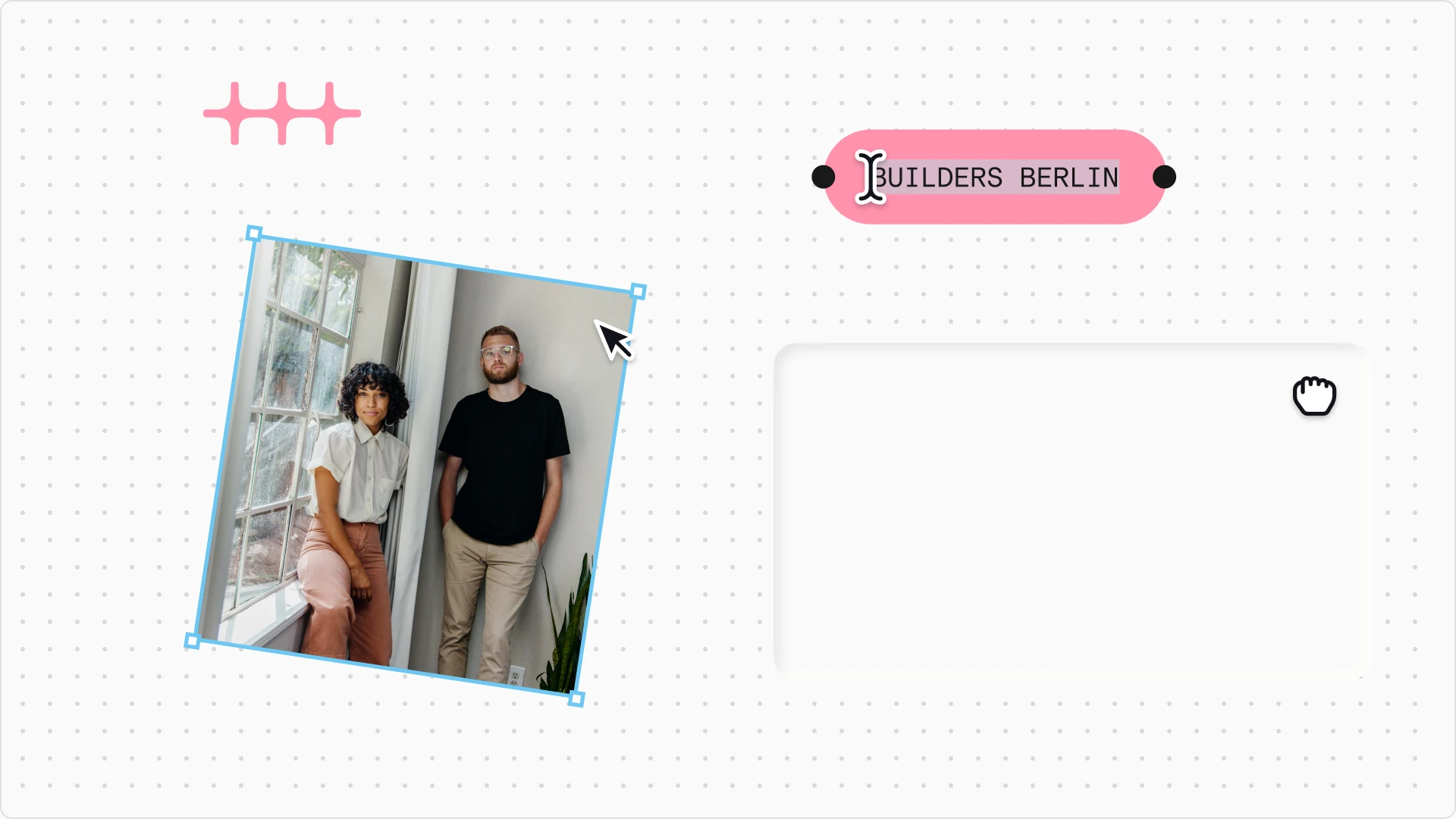
Give your AI agent the n8n brand. Whether you’re designing, prototyping, or vibe coding, an n8ndesign.md file tells your agent how n8n looks and feels, so what it builds is on-brand from the start.
Set up your agent
1.Download the n8ndesign.md file.
Download n8ndesign.mdV5 · Updated Oct 19, 20262.Put it where your agent looks
Copy this into CLAUDE.md@n8ndesign.md3.Tell your agent how to use it
Copy thisBefore you design or build any UI, read n8ndesign.md and follow it exactly: colors, spacing, type and logo usage. If something isn't covered, ask me instead of guessing.
Prompts to try
Be specific about what you want and point it back to the n8ndesign.md file.
Build
Build the hero of an events page for [event] that follows n8ndesign.md: name, date, city, and a sign-up button. Pick the logo variant that fits the background.Create
Make a 1080×1080 social card announcing [news], on-brand per n8ndesign.md. Use pink for one accent only.Adapt
Turn this screenshot into a component that follows n8ndesign.md. Reuse its colors and type styles; don’t invent new ones.Review
Review this page against n8ndesign.md and list everything that’s off-brand, most important first. Then fix it.