Graphic Devices
If typography, color, and our logo are the foundation of our brand, our graphic devices are the secret sauce. They give it personality and substance.
The dot grid
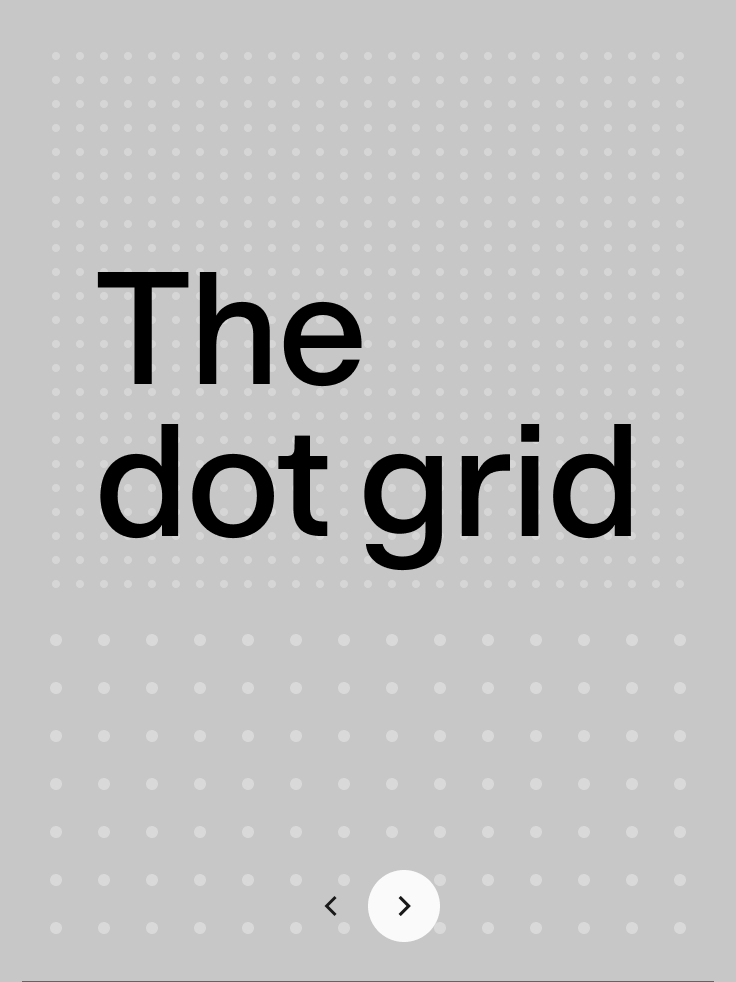
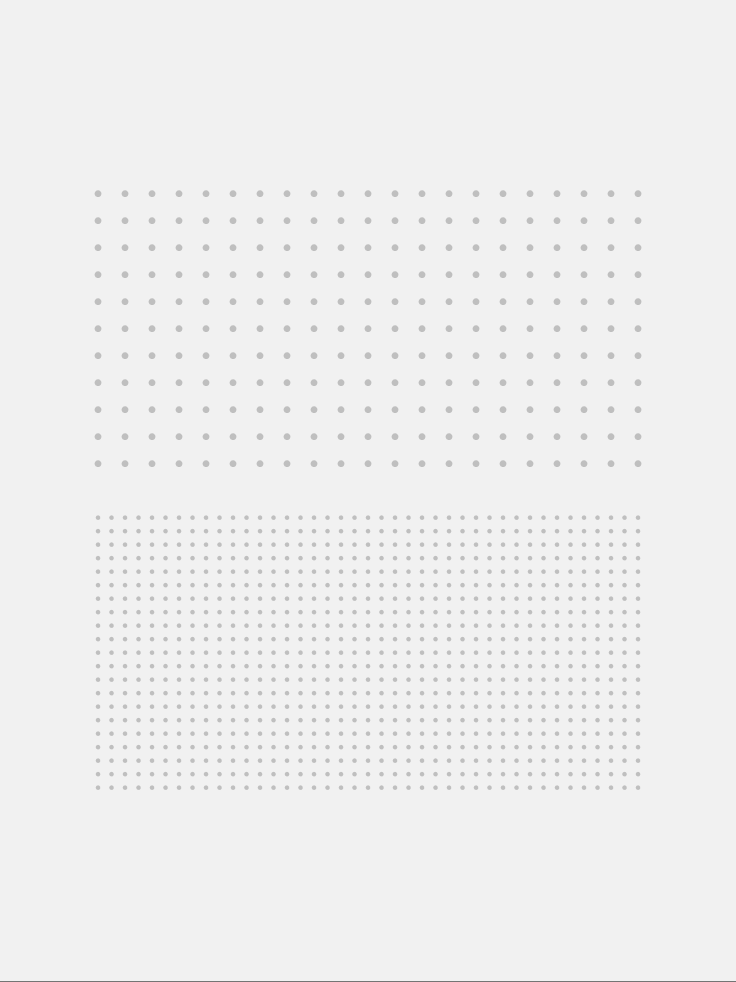
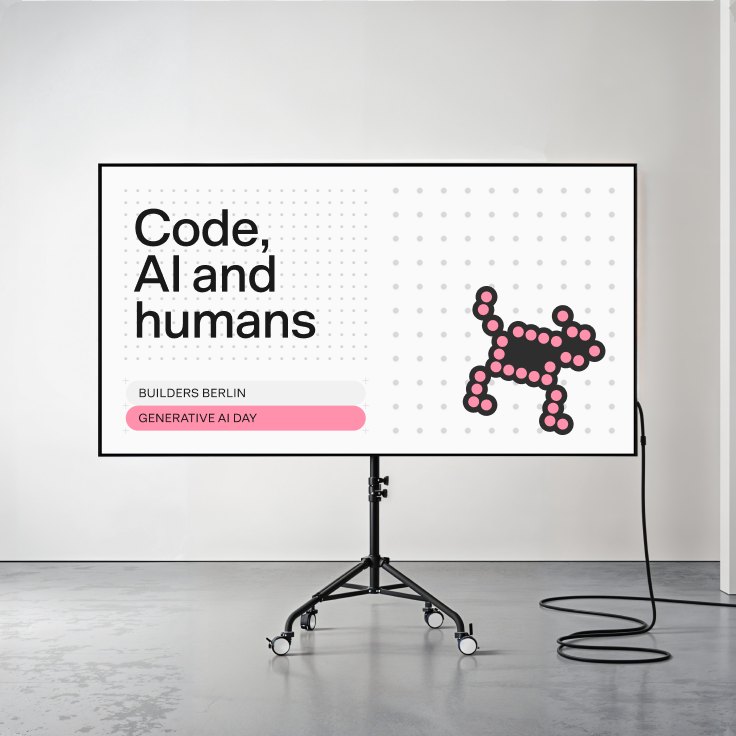
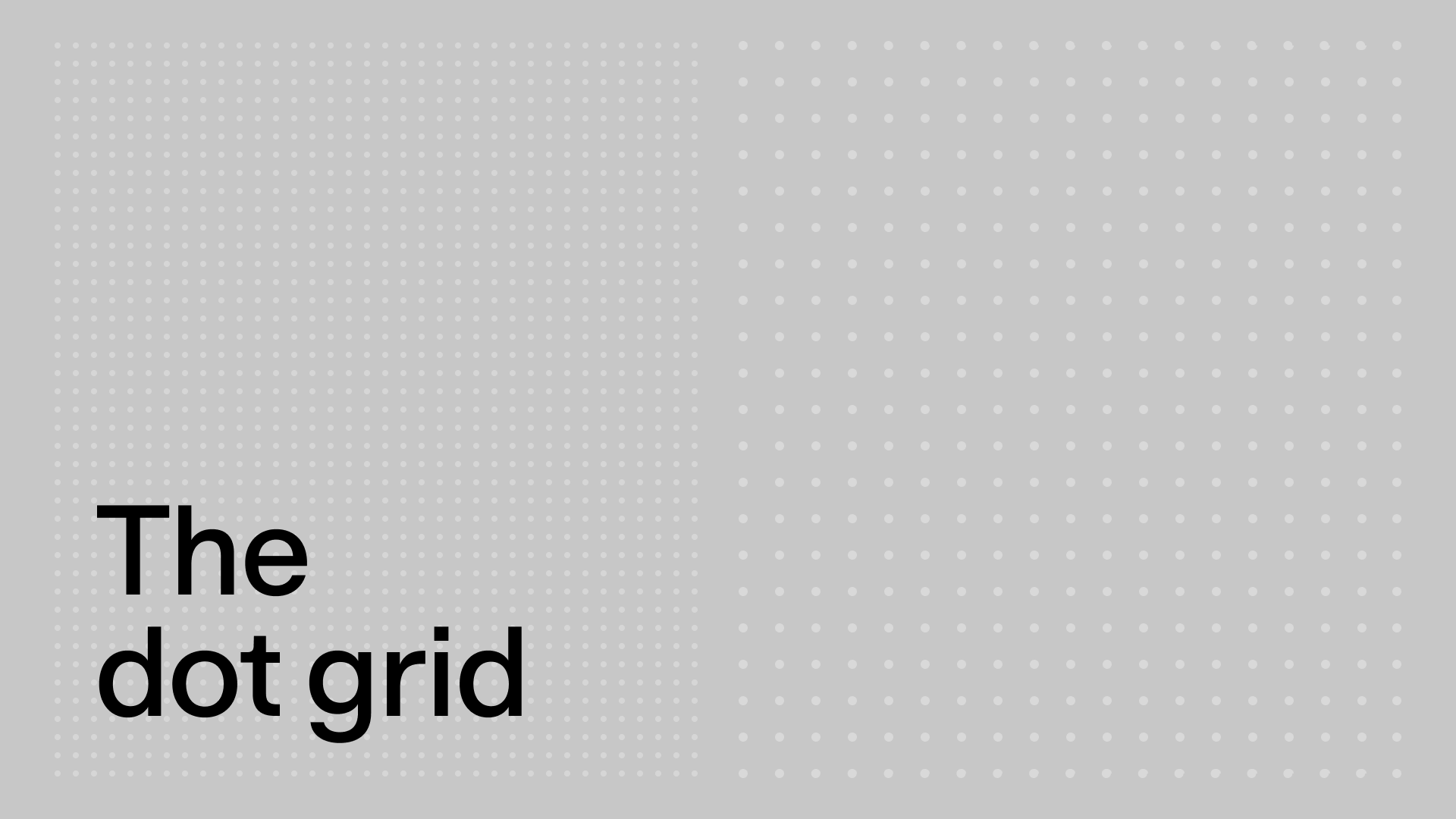
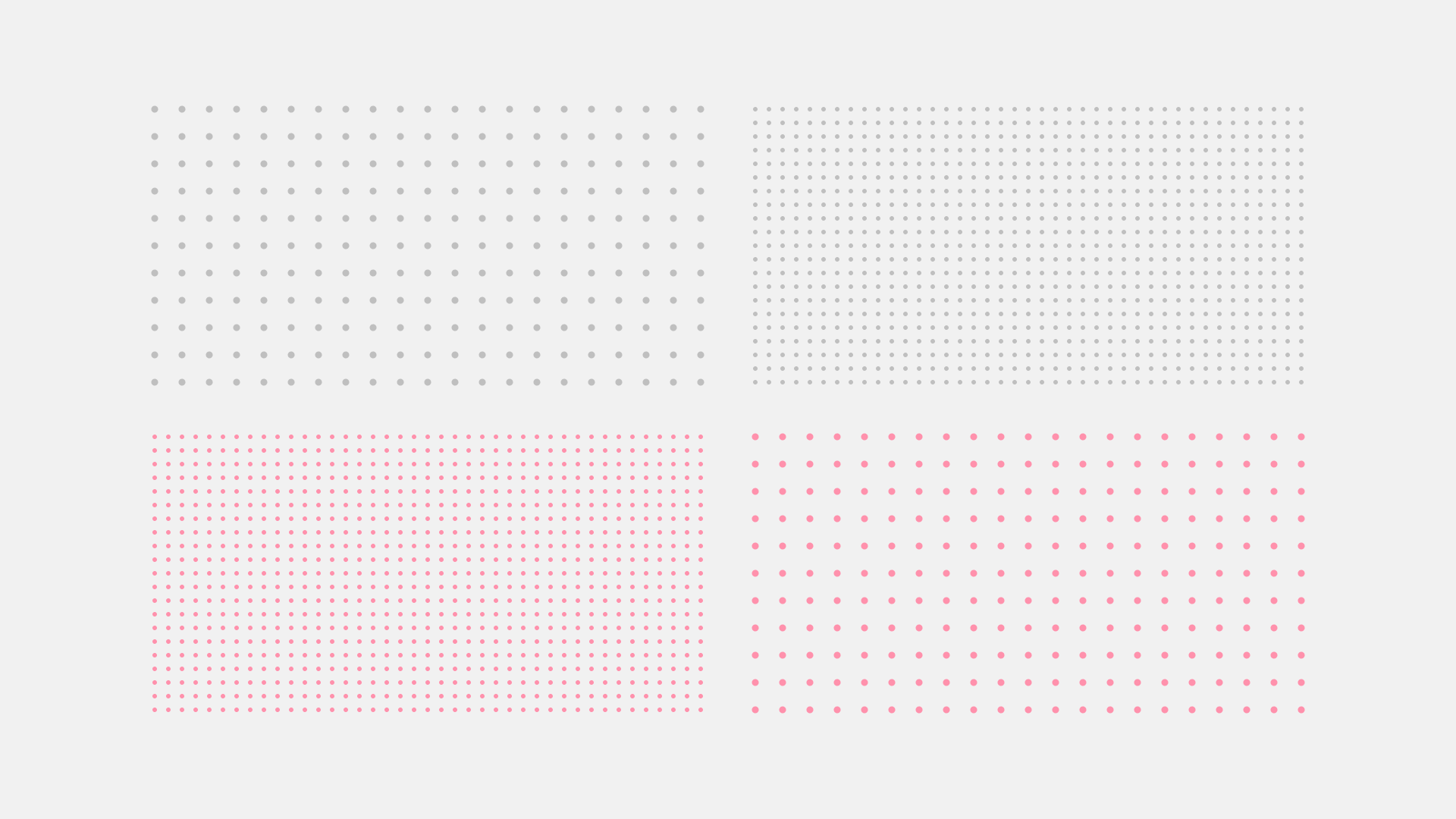
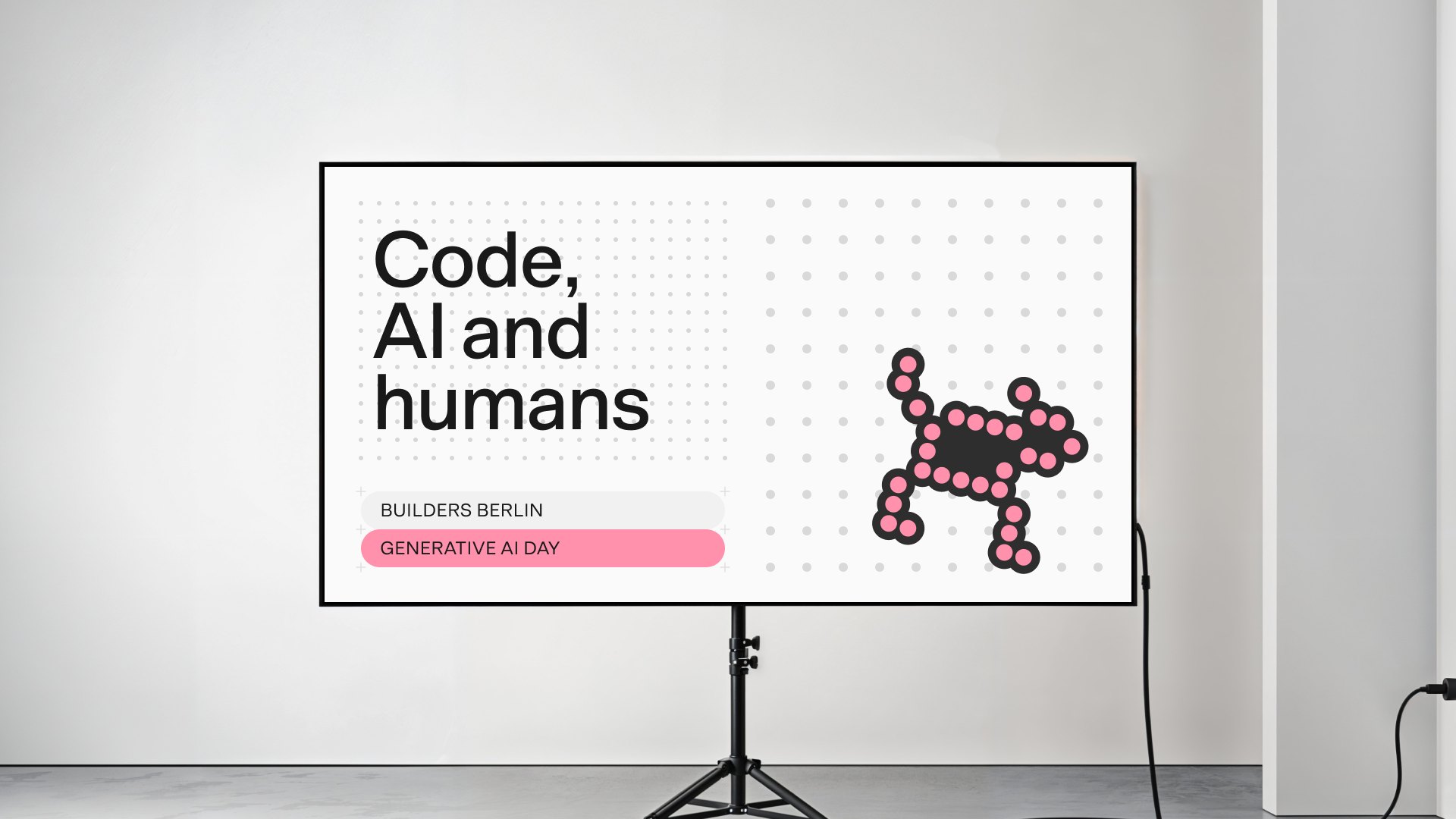
The dot grid is taken directly from the n8n product interface and reimagined as an expansive graphic element. It deliberately carries the product experience into the brand.
The dot grid follows the same logic as our overall grid system and must always align with it.
Applying the dot grid
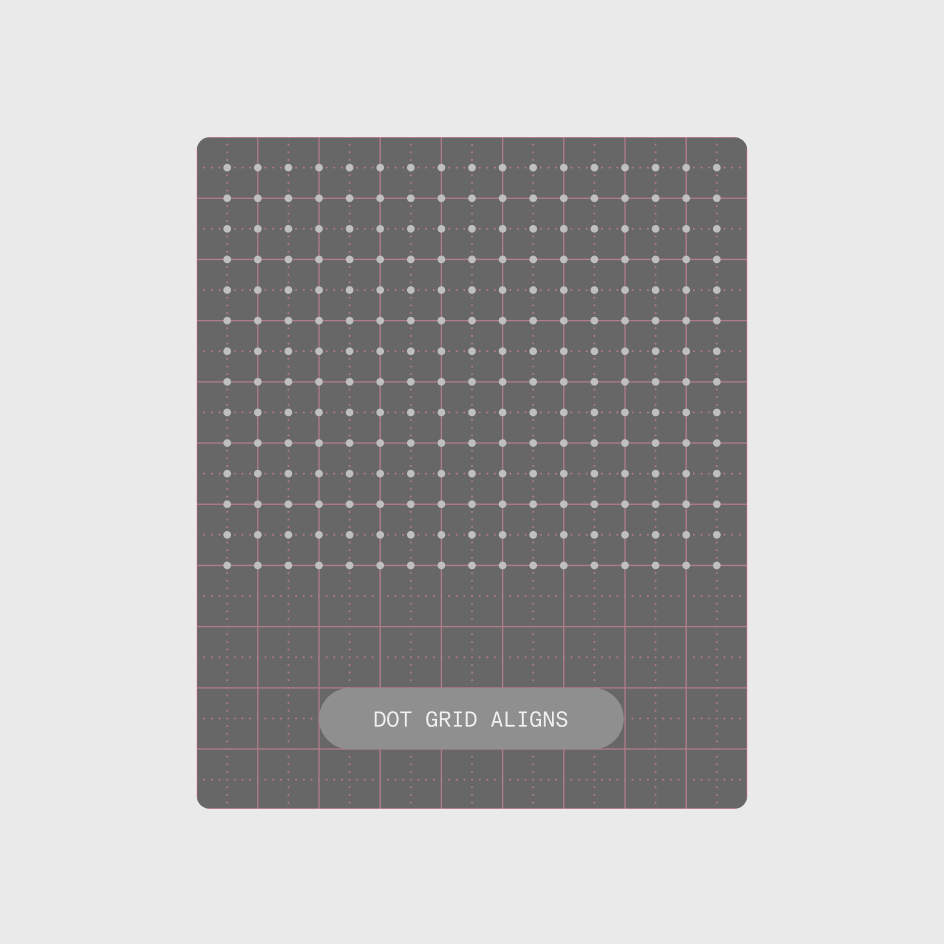
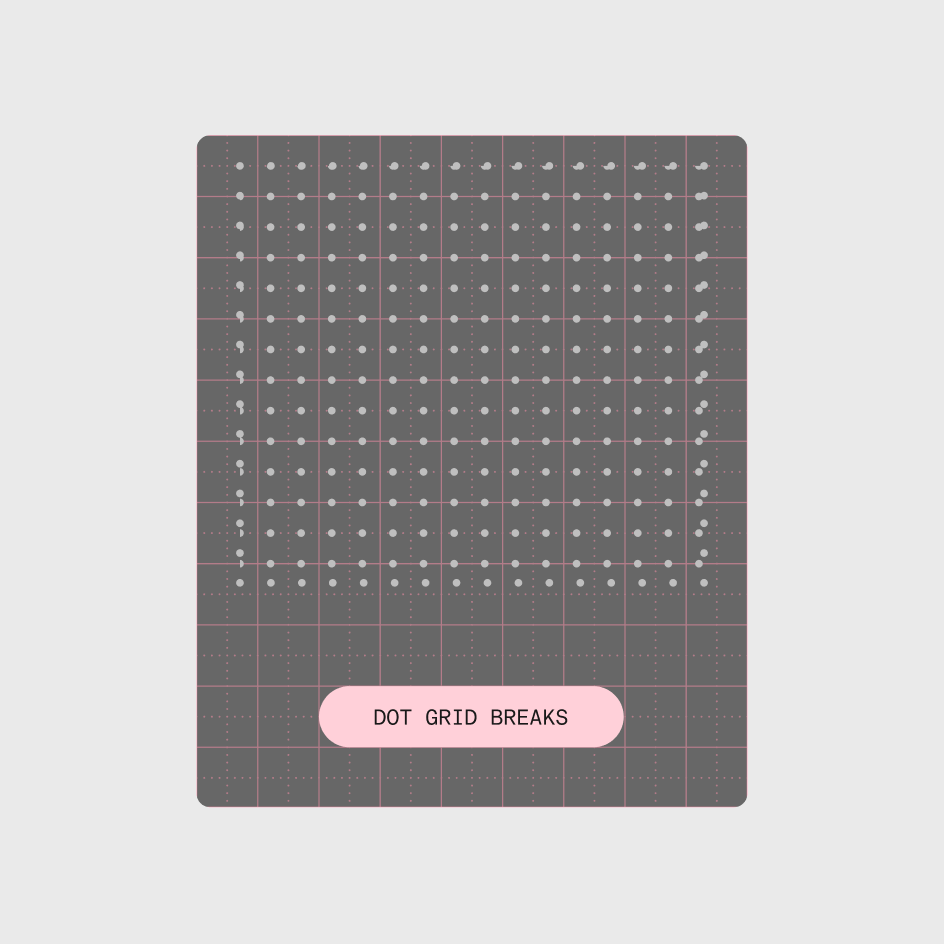
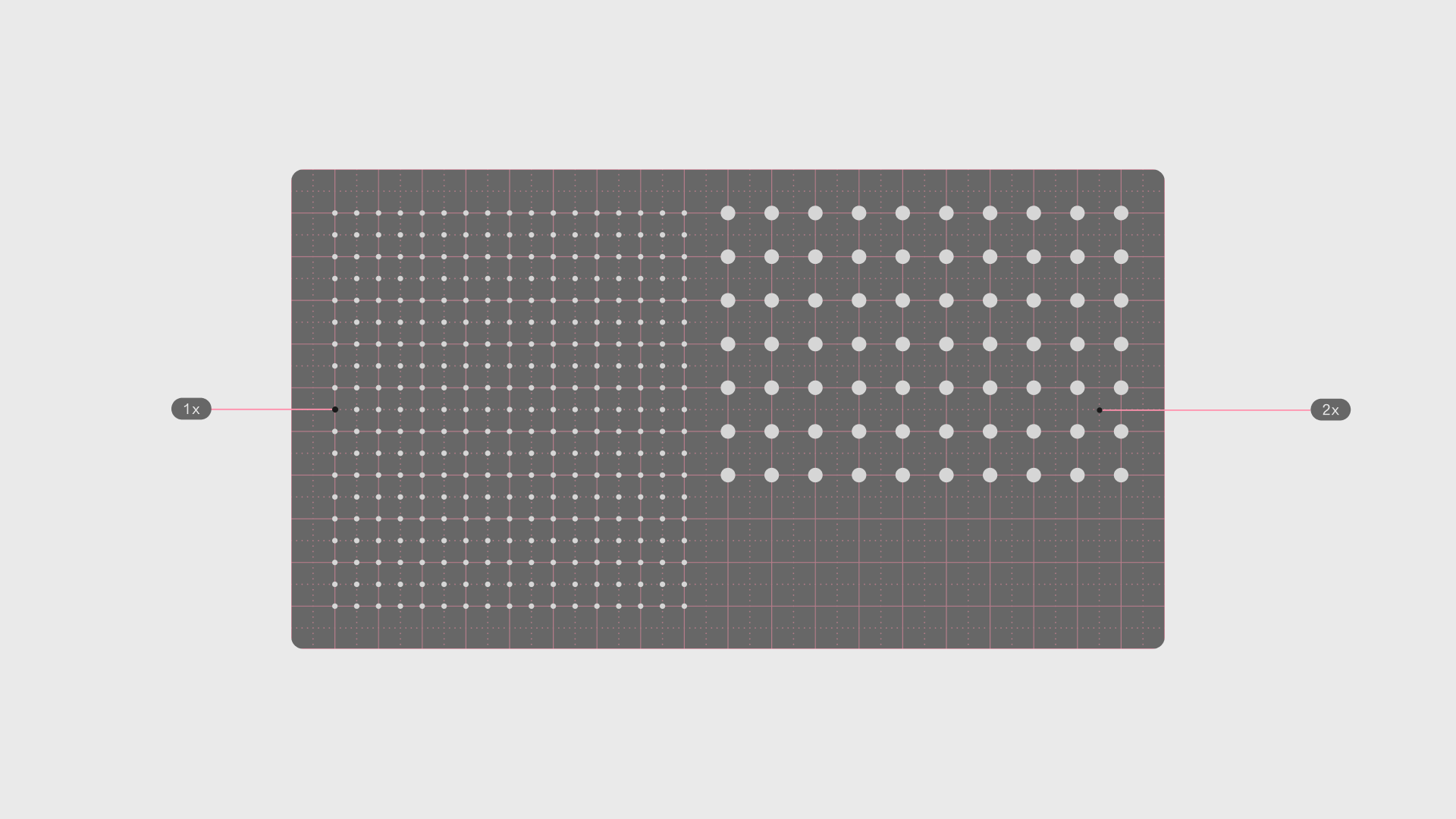
Always set the dot grid from the correct origin point and align it to the base grid before building anything around it. If it drifts, the pattern breaks: dots fall between grid increments, spacing feels off, and the composition loses its structural integrity.
Scaling
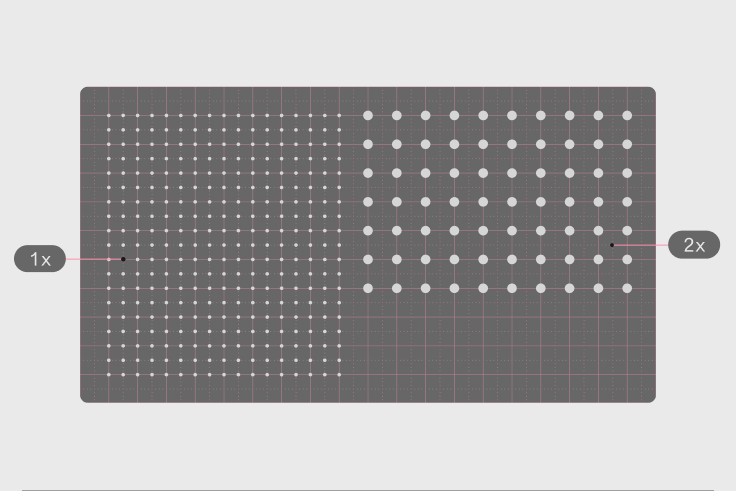
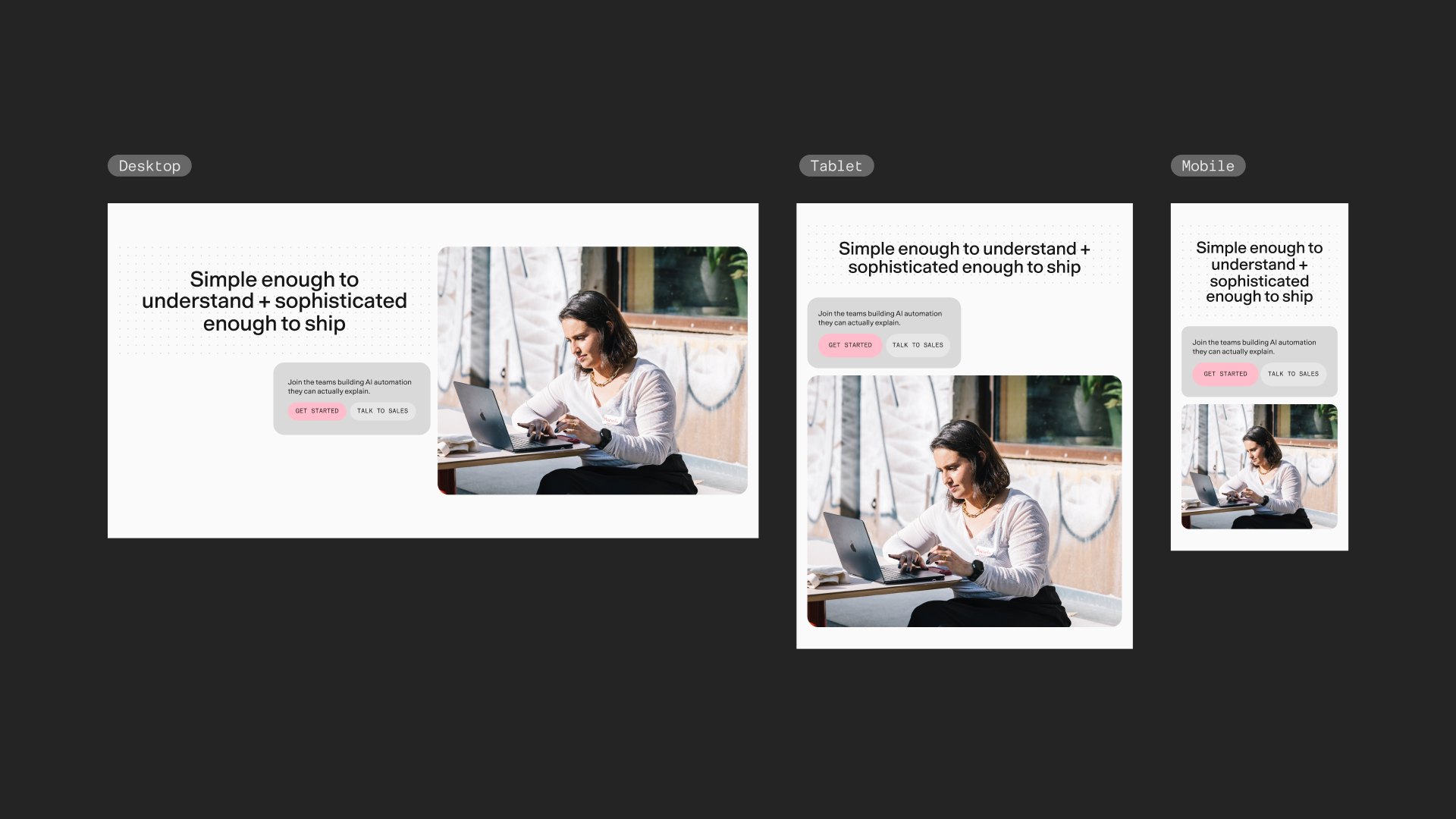
The dot grid can be scaled to create more dynamic compositions. Always scale in grid increments rather than freely, so the dots keep their structural relationship to the grid.
As a text container
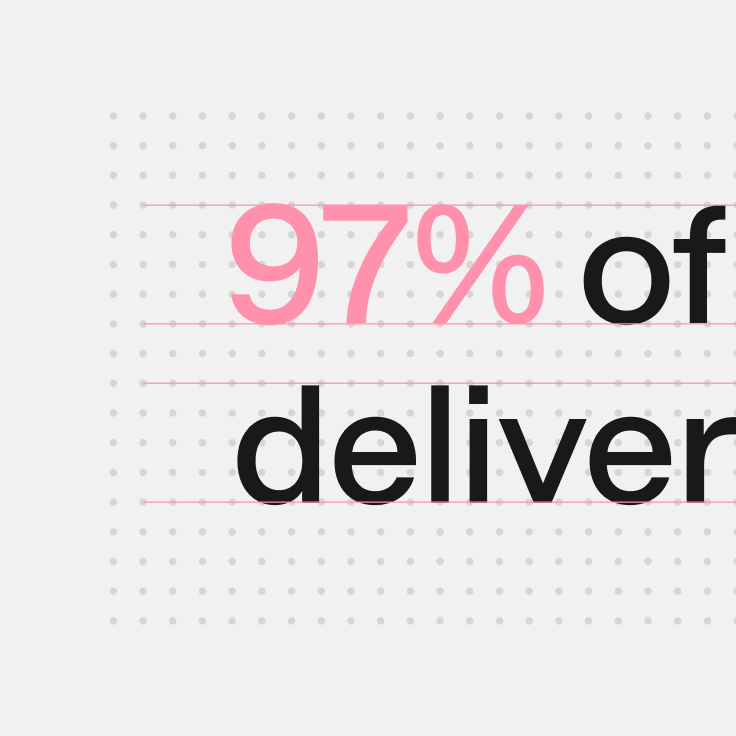
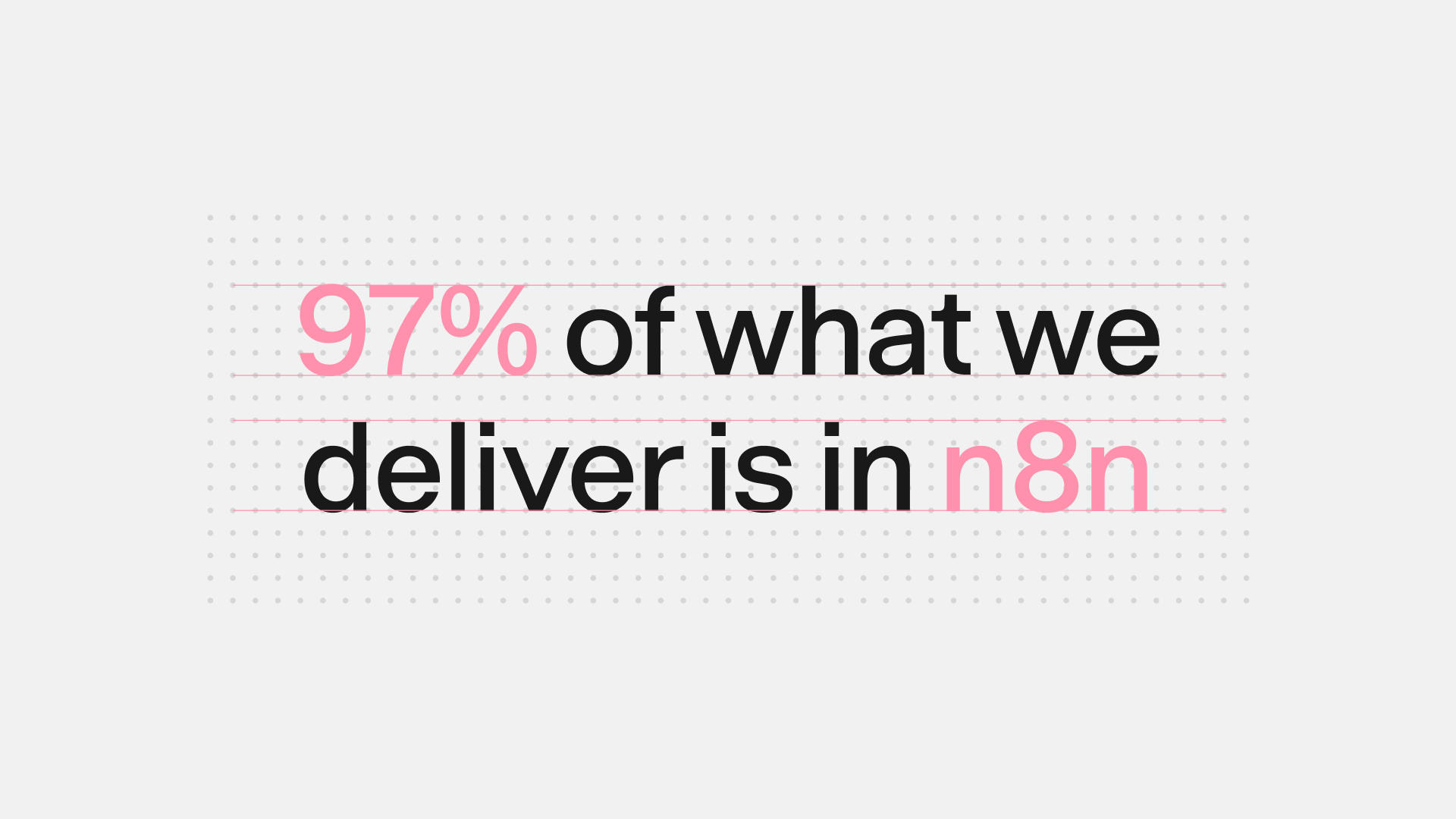
When the dot grid is used as a container for text, type size and line height should align with the grid. This lets the text and grid work together rather than compete visually.
The capsules
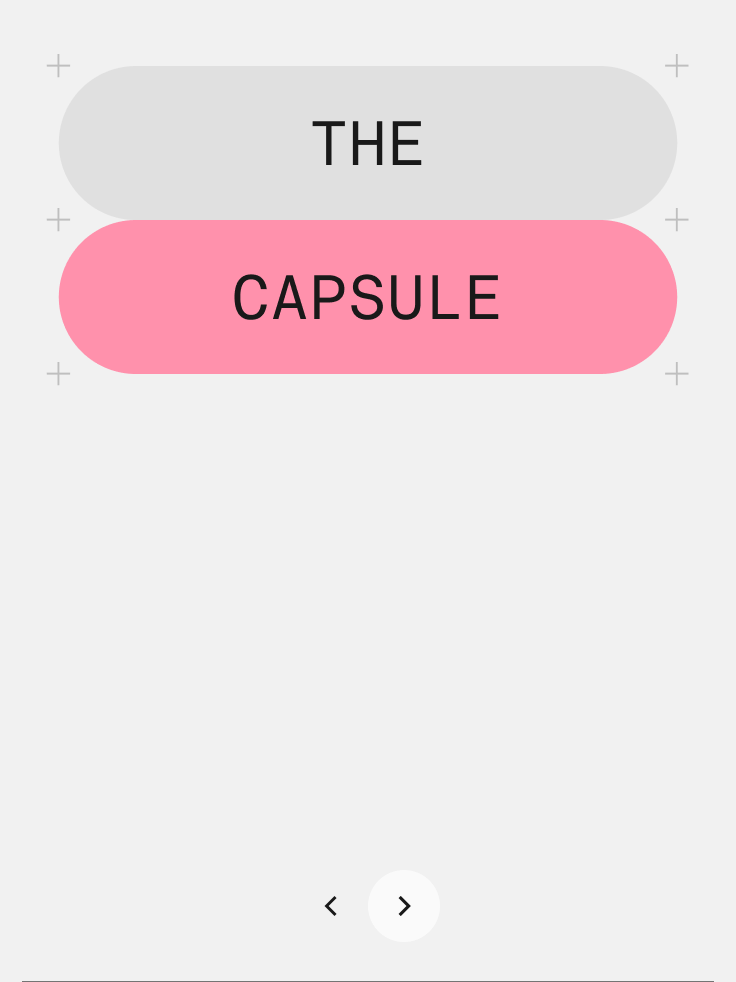
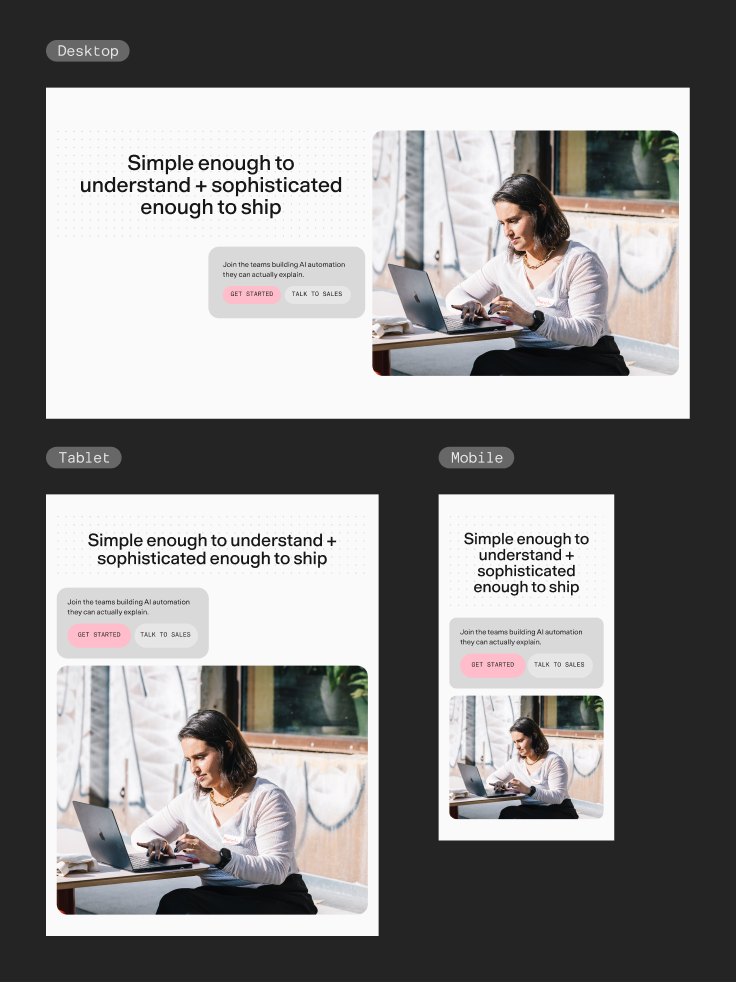
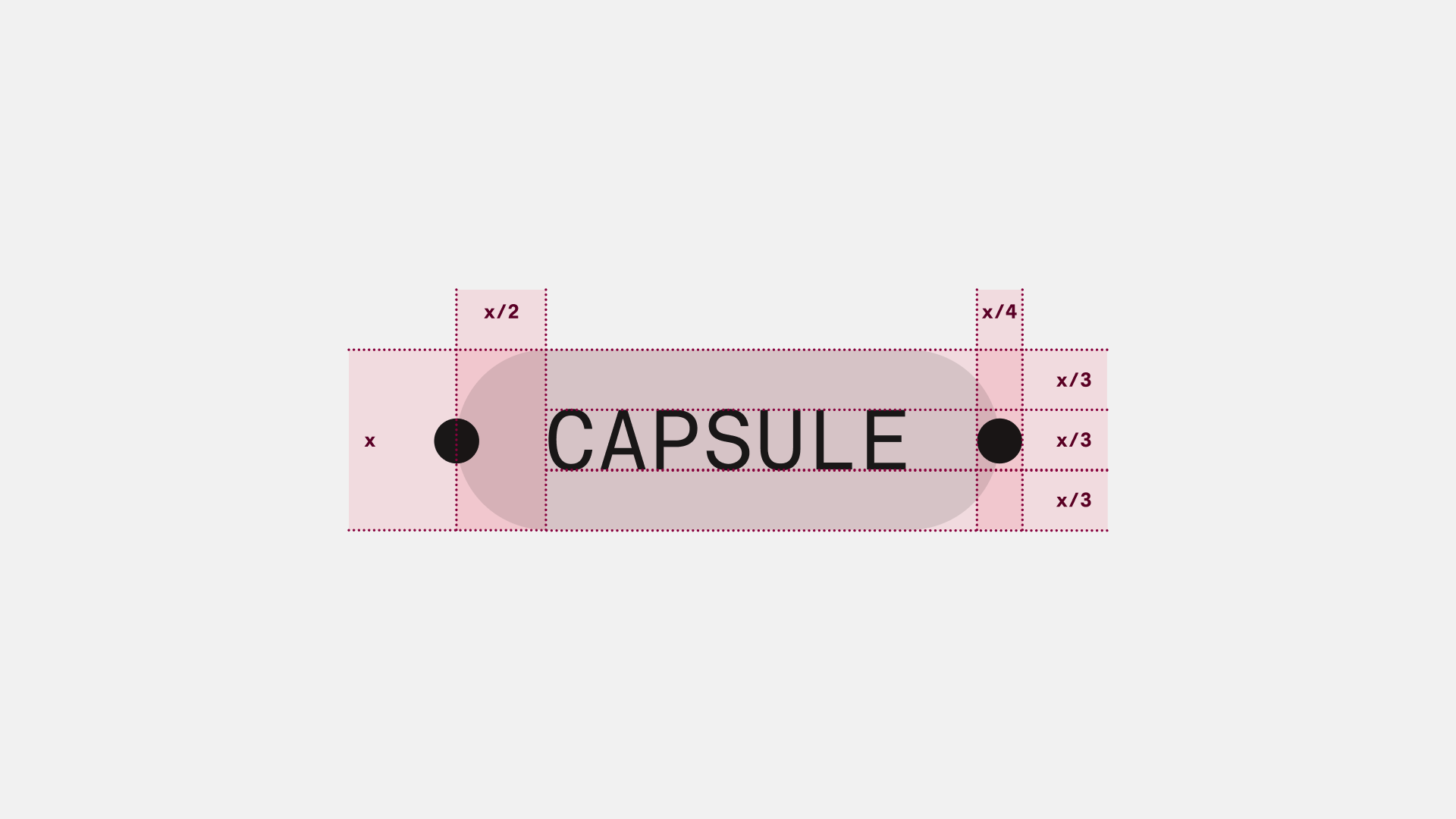
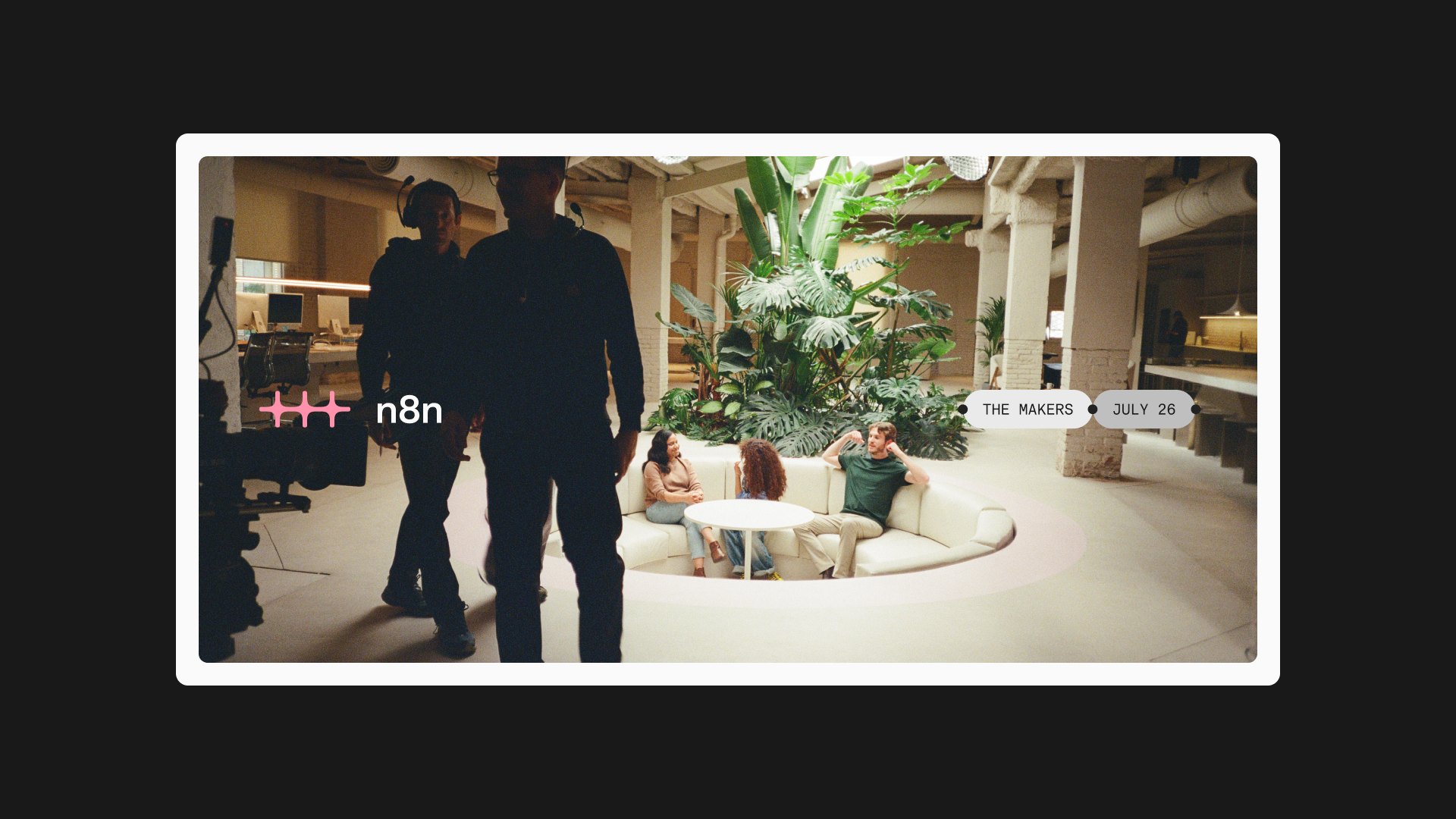
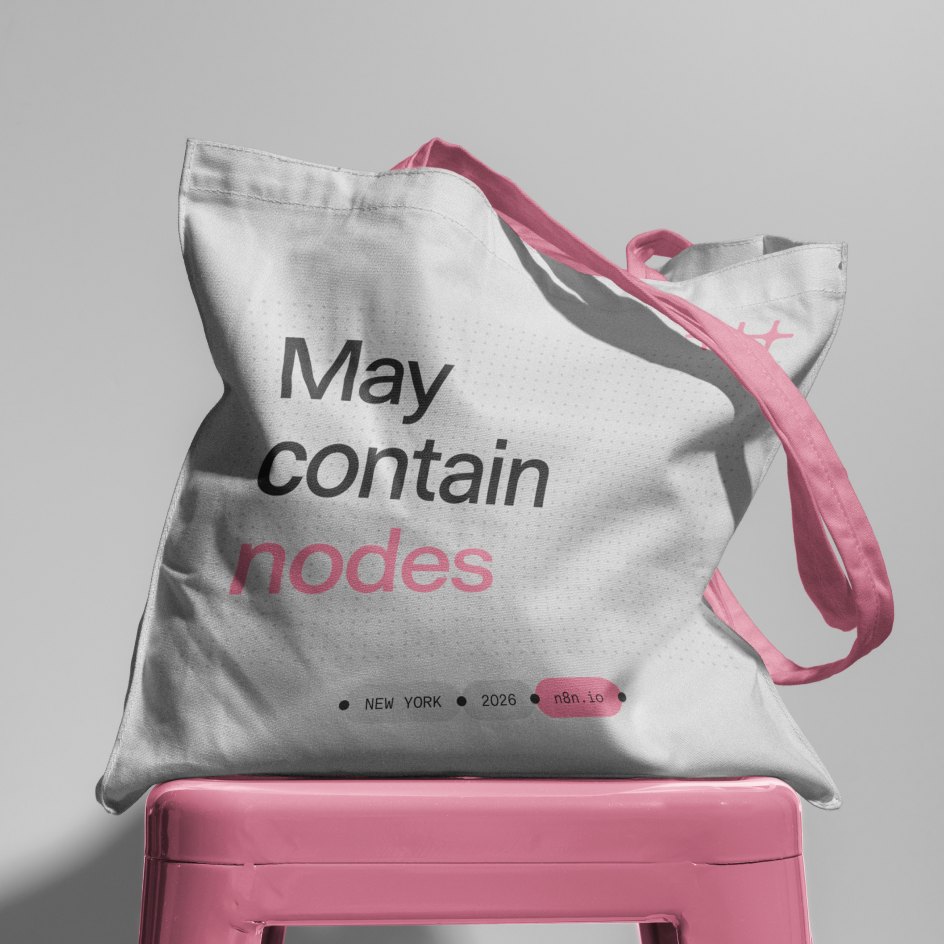
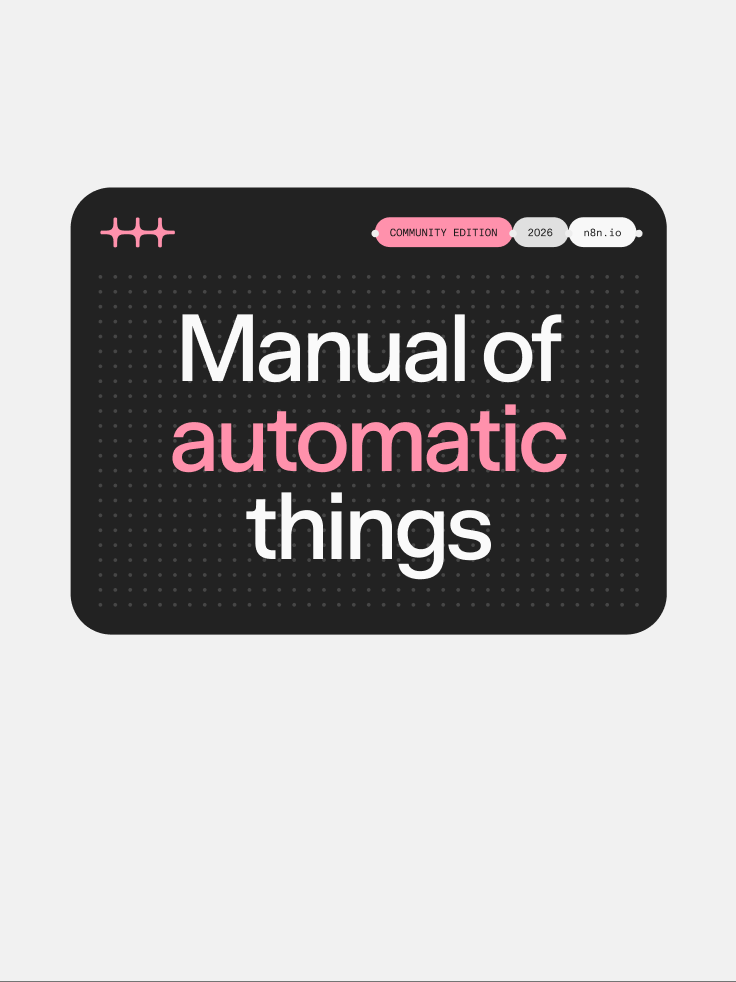
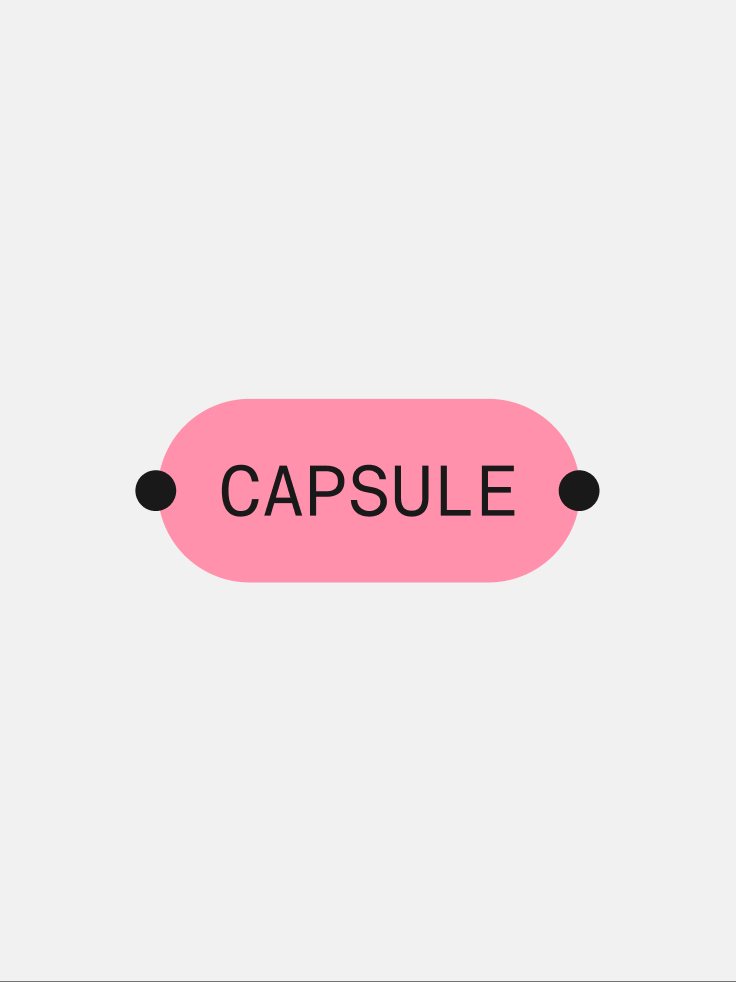
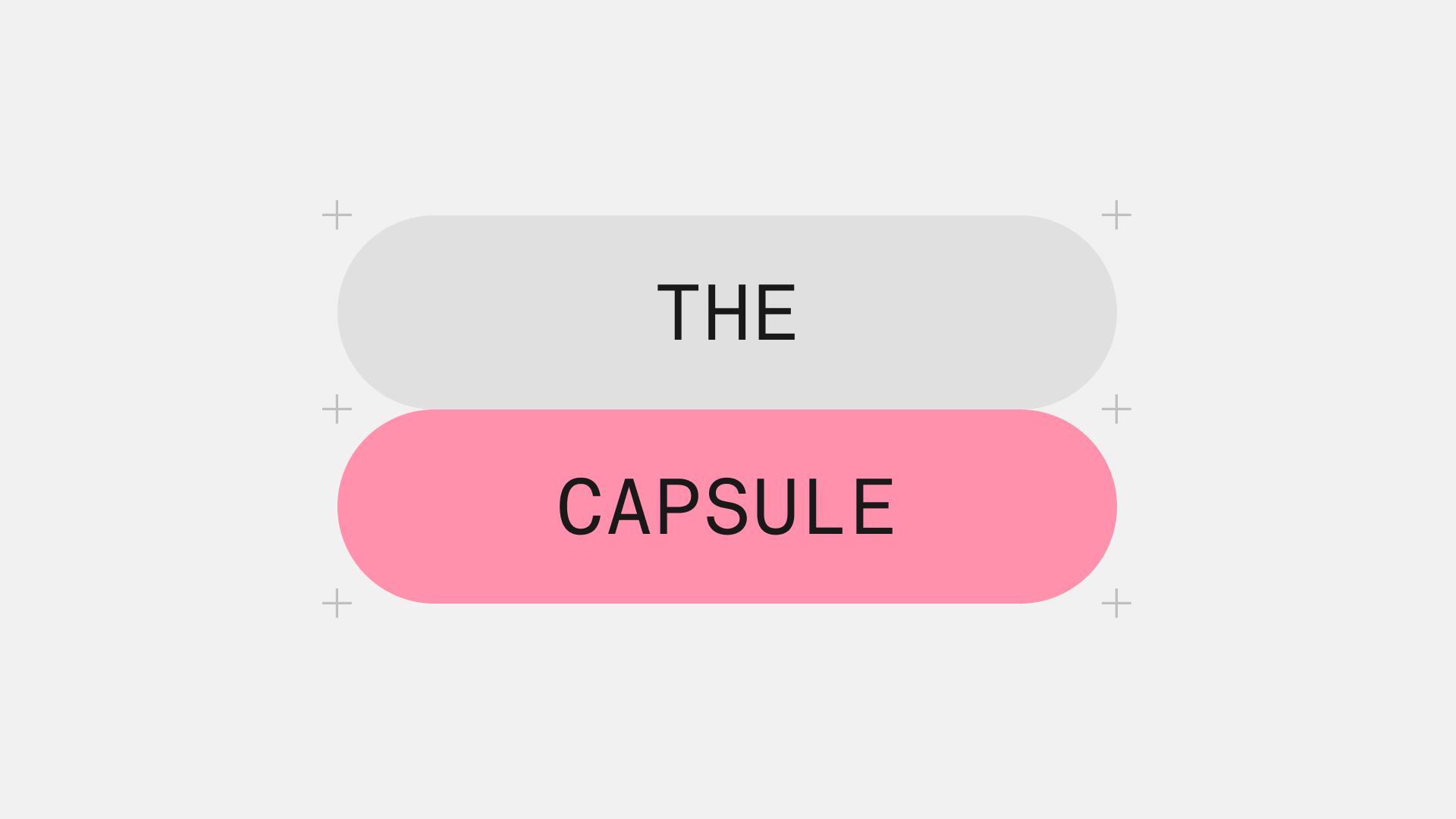
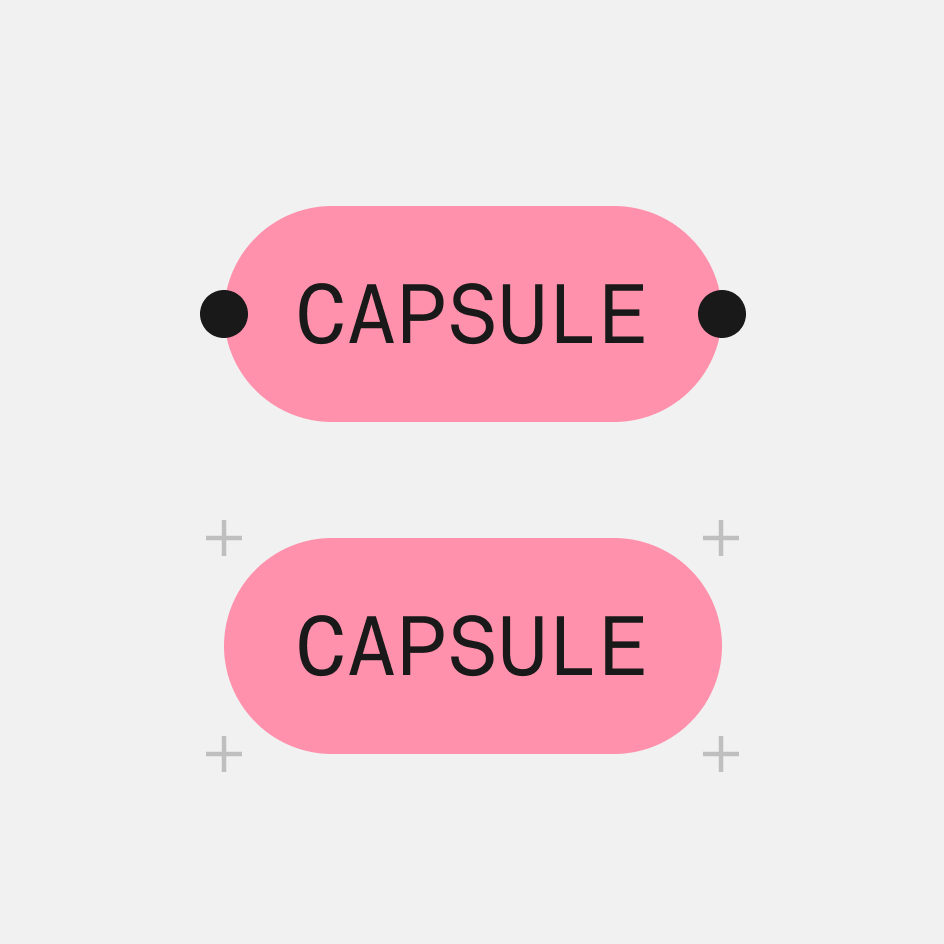
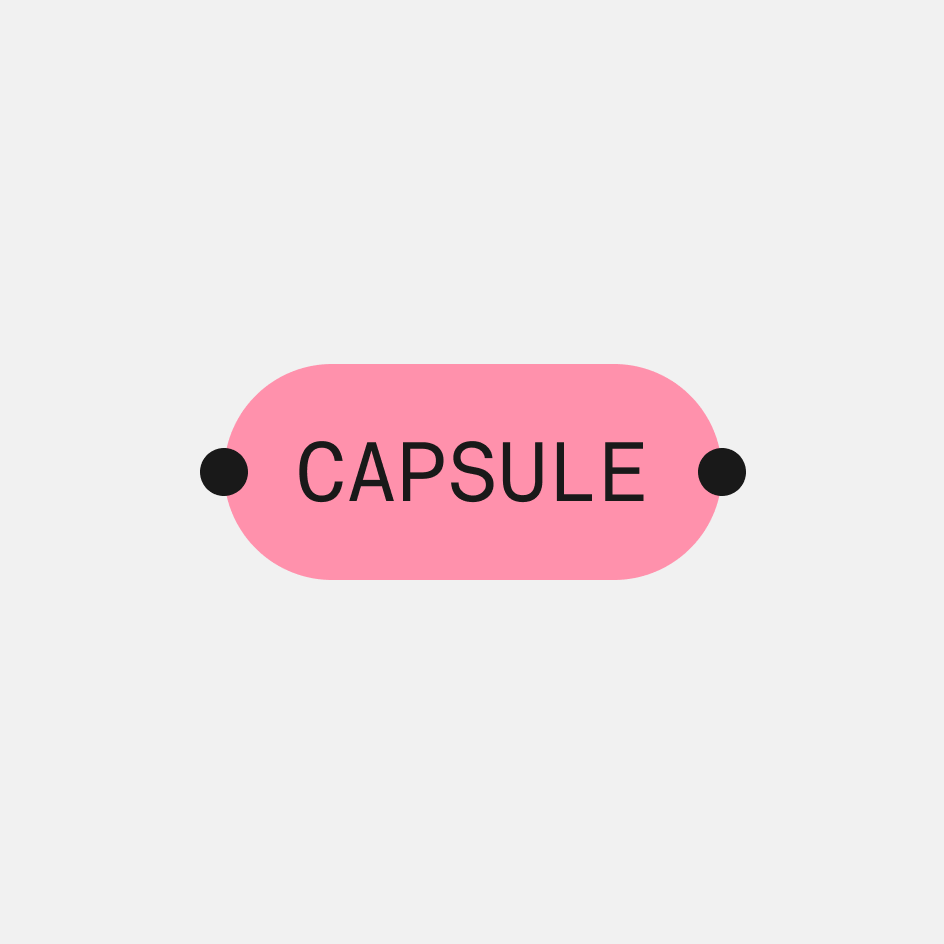
Like the dot grid, the capsule originates from the product interface. It is brought into the visual identity as a deliberate echo of the tool itself. It is one of the most versatile elements in the system, working as a label, tag, breadcrumb, or navigational device, and as a compositional element in its own right.
In every context, the capsule builds hierarchy and adds a distinctly n8n character to the layout.
Nodes
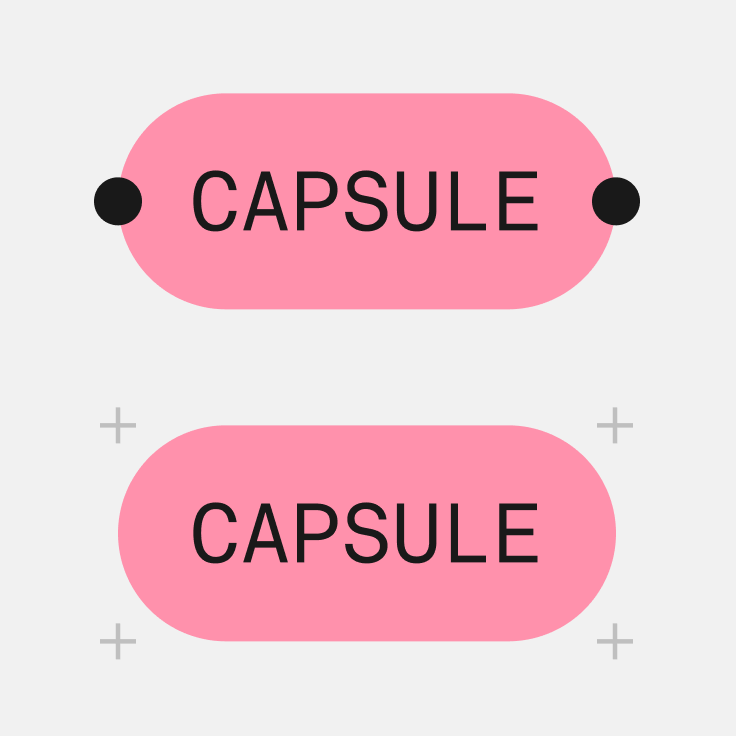
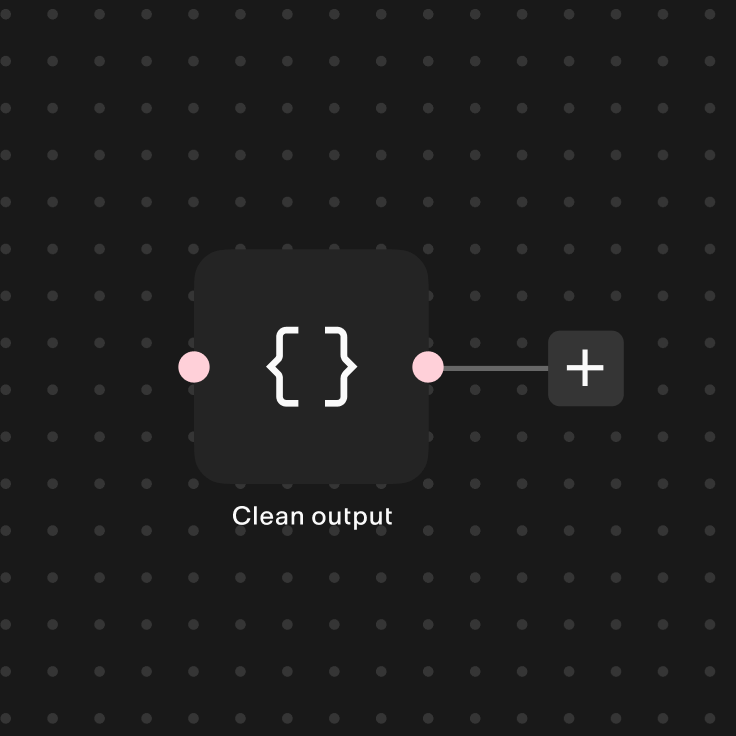
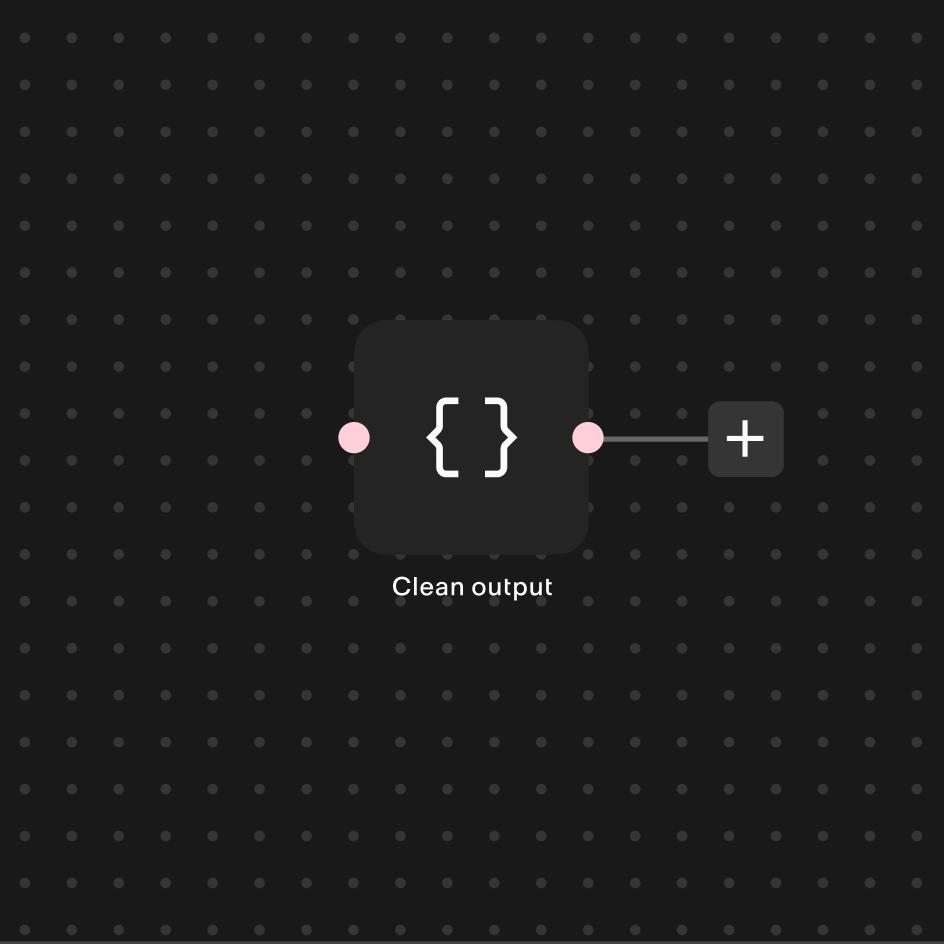
Derived directly from the nodes within the product, this variant extends a recognizable product element into the brand.
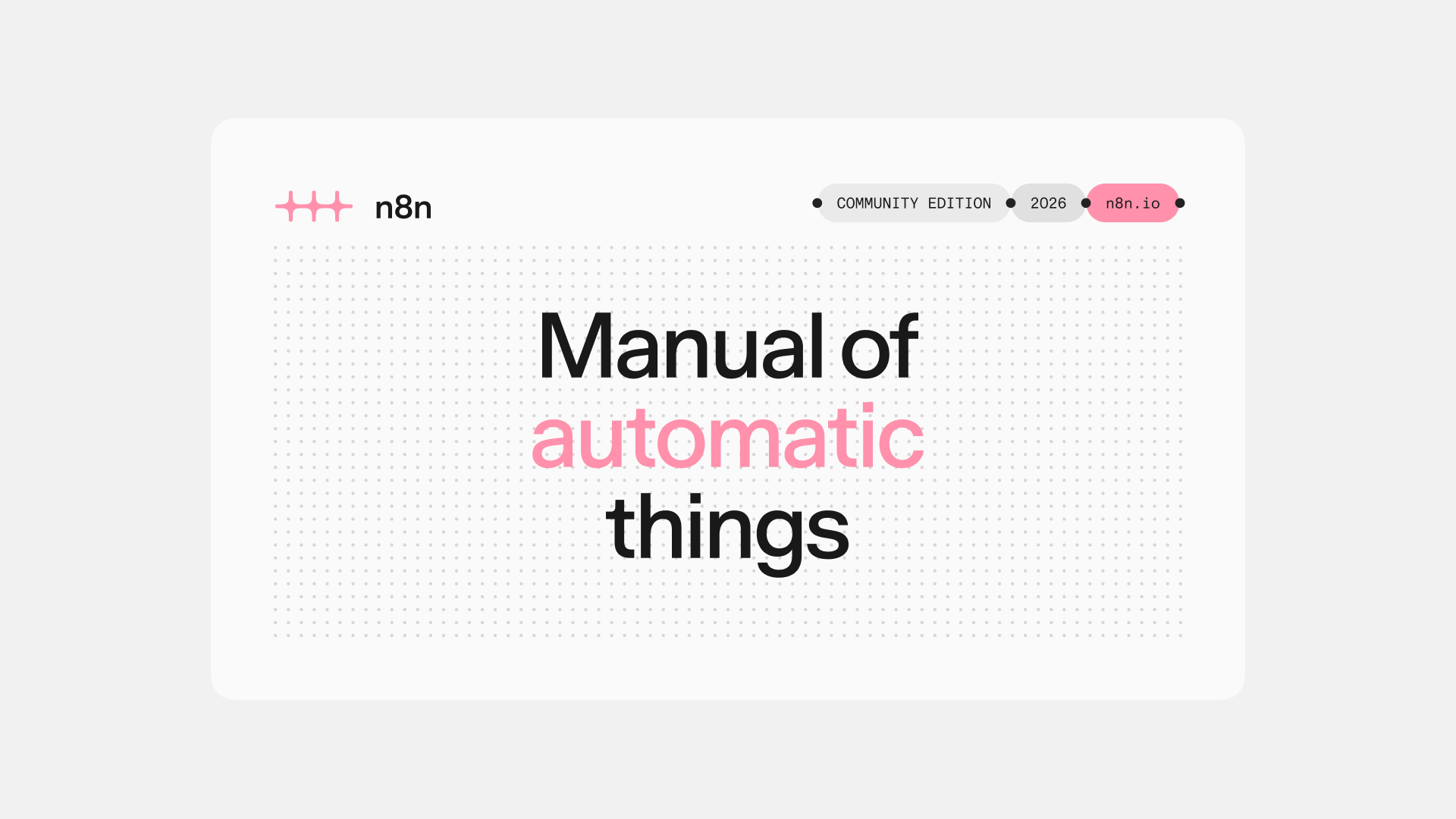
Nodes can connect horizontally, making them well suited to sequential labels, tags, and micro-headings.
They can also be used playfully as a standalone graphic device.

Crosshairs
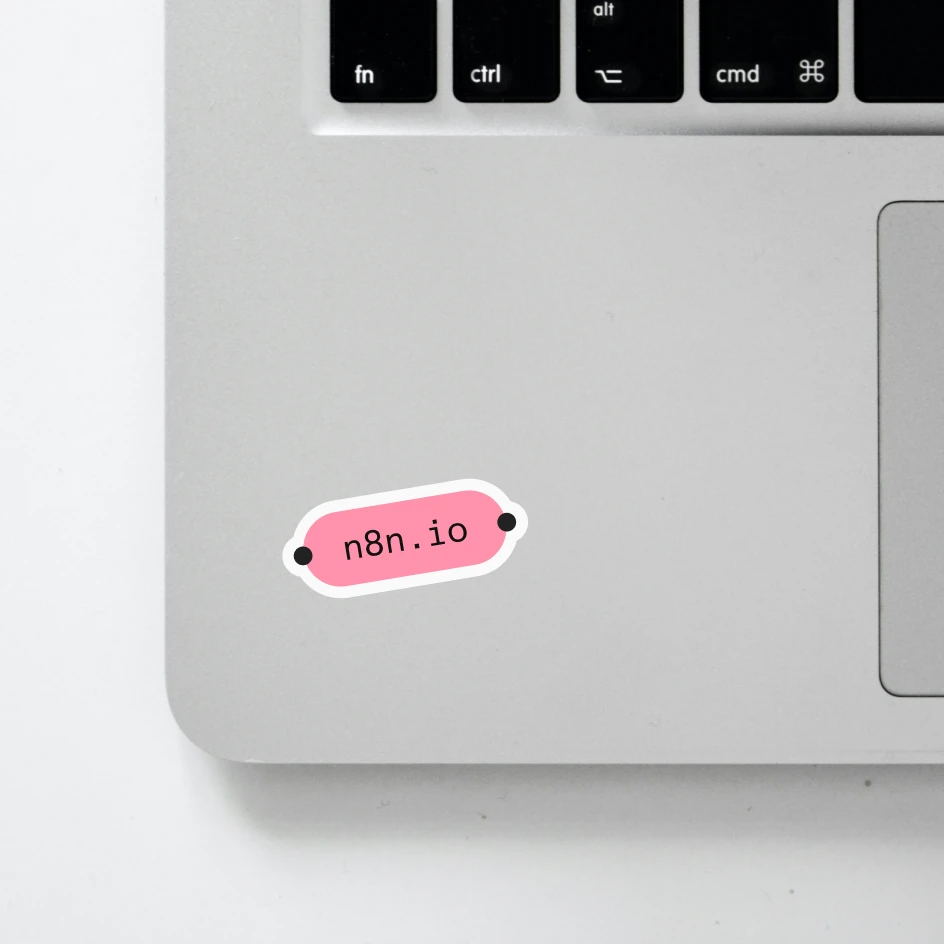
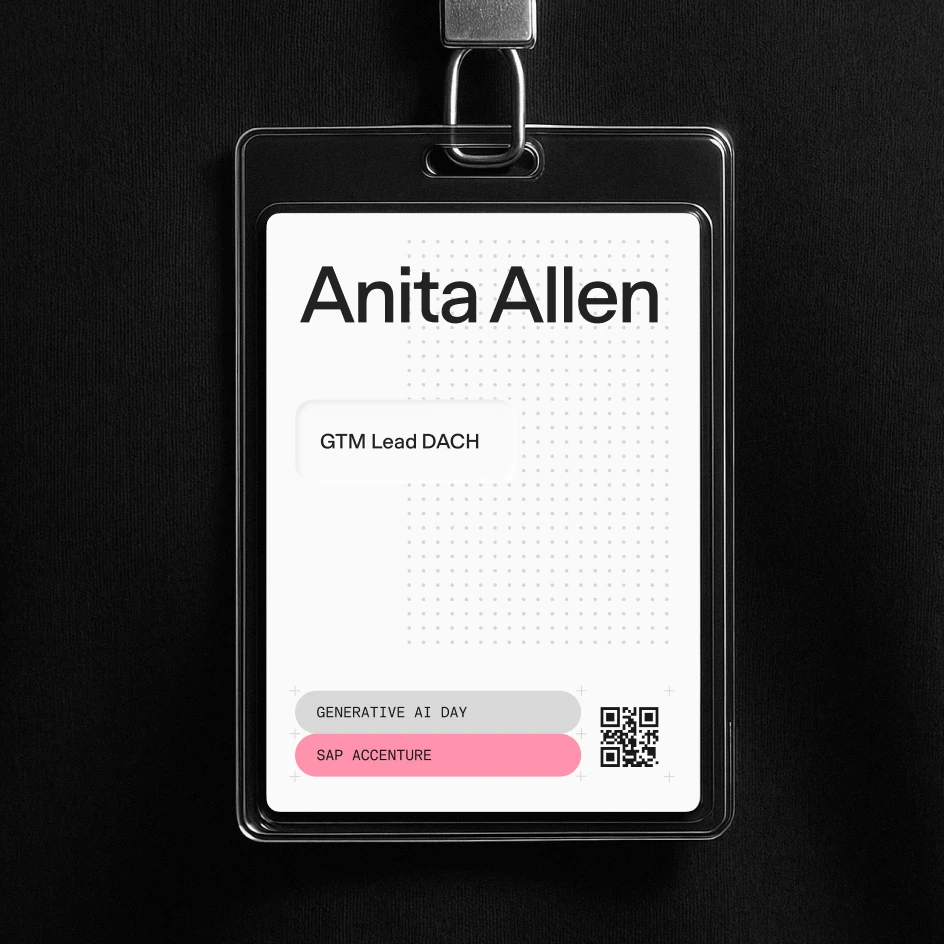
The crosshair capsule is the most technical expression of the capsule system, designed for structured, information-rich layouts. Crosshair capsules can be stacked vertically.

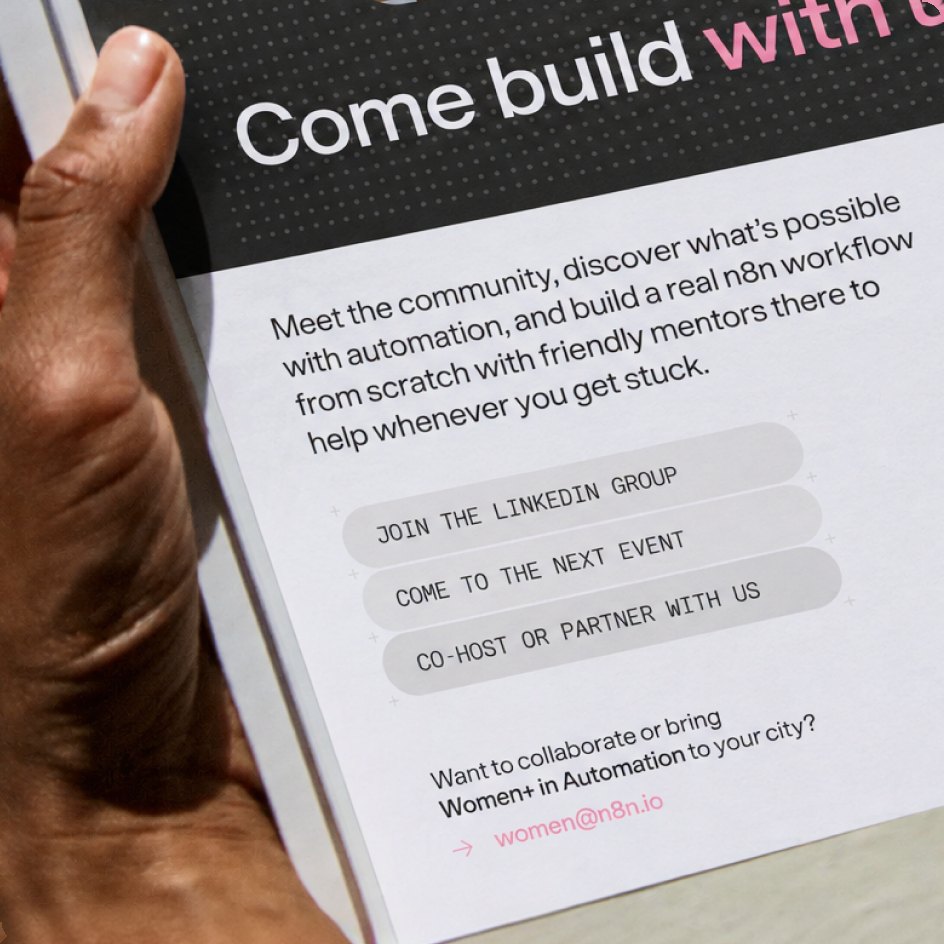
Some things to keep in mind
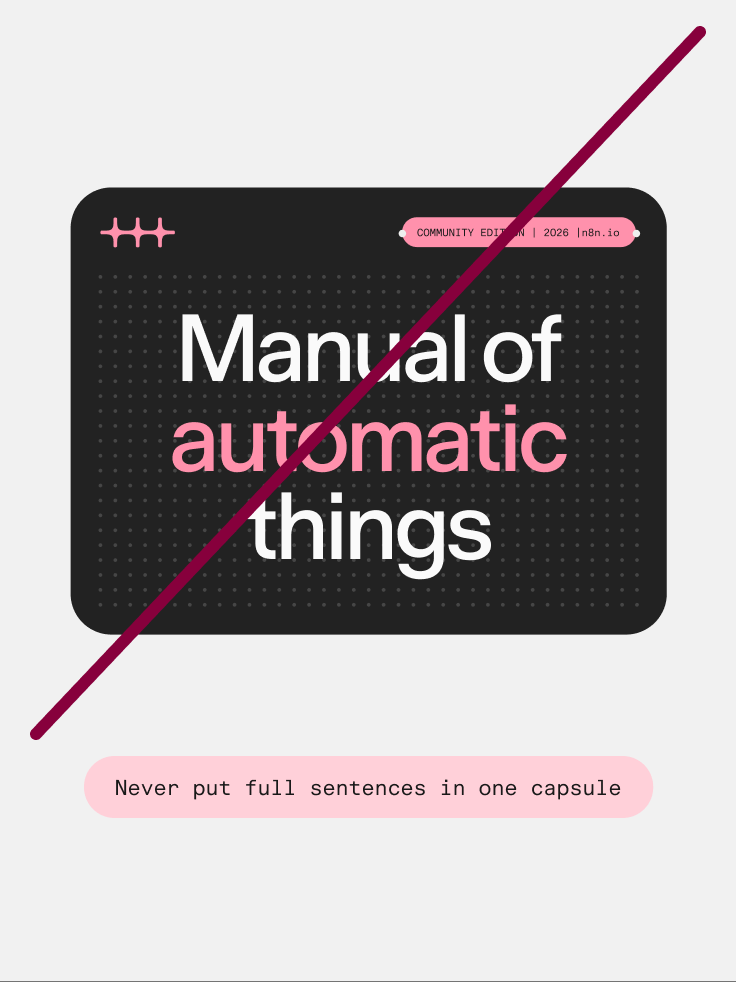
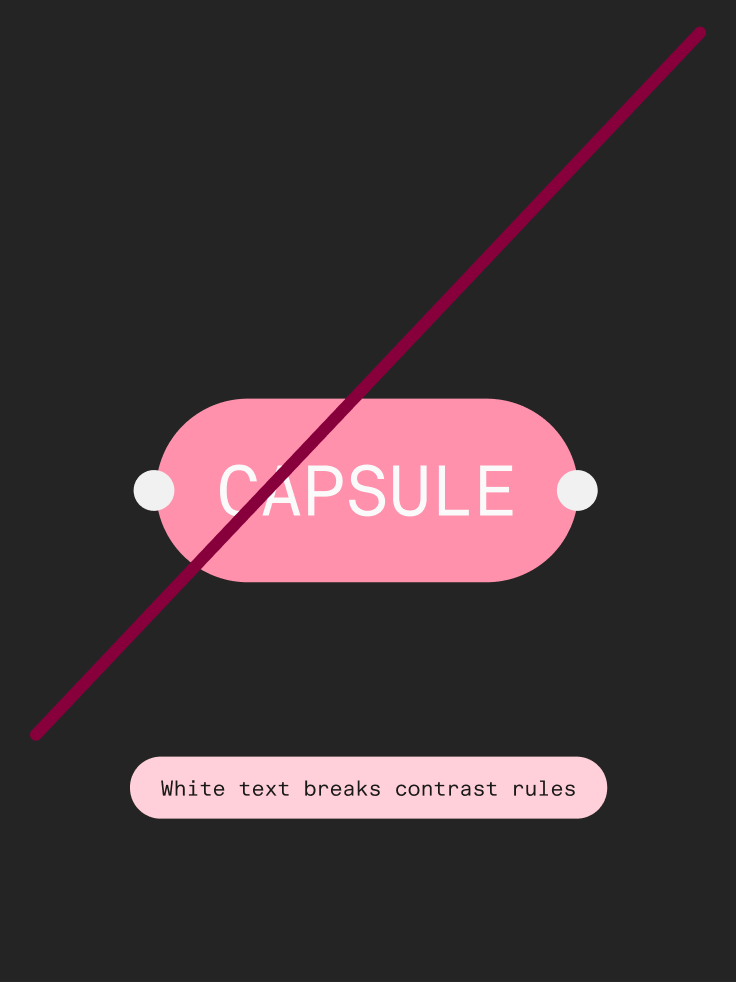
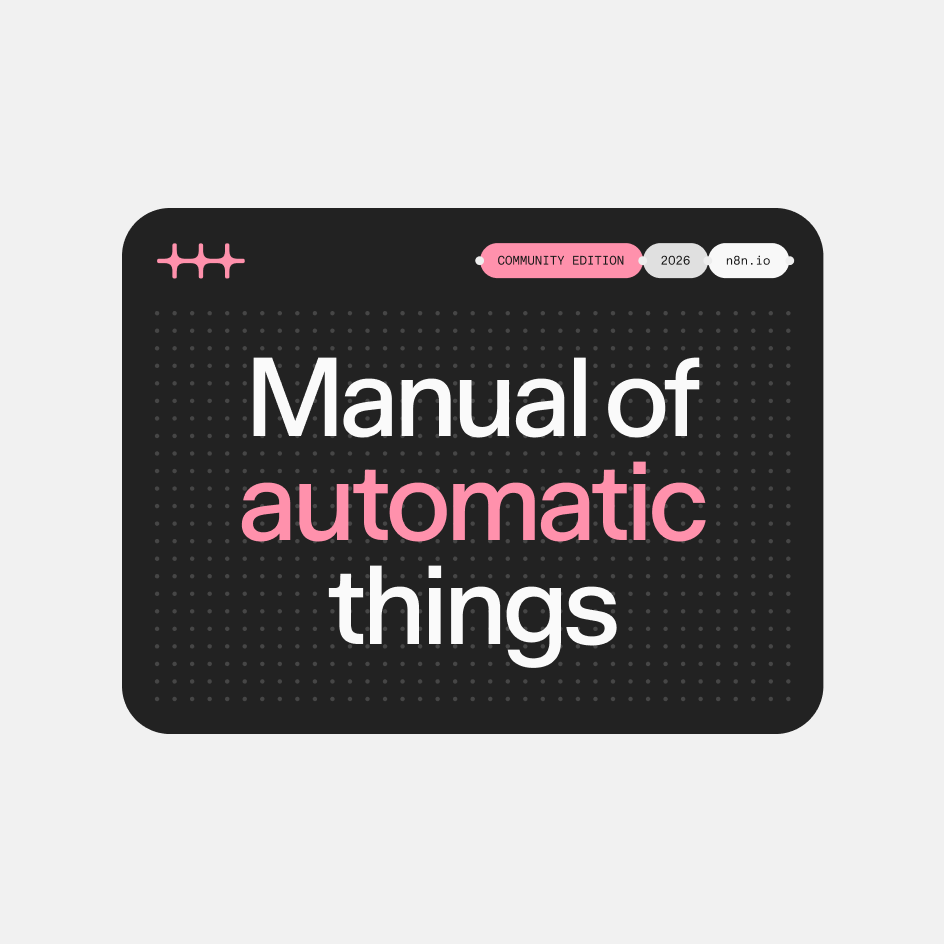
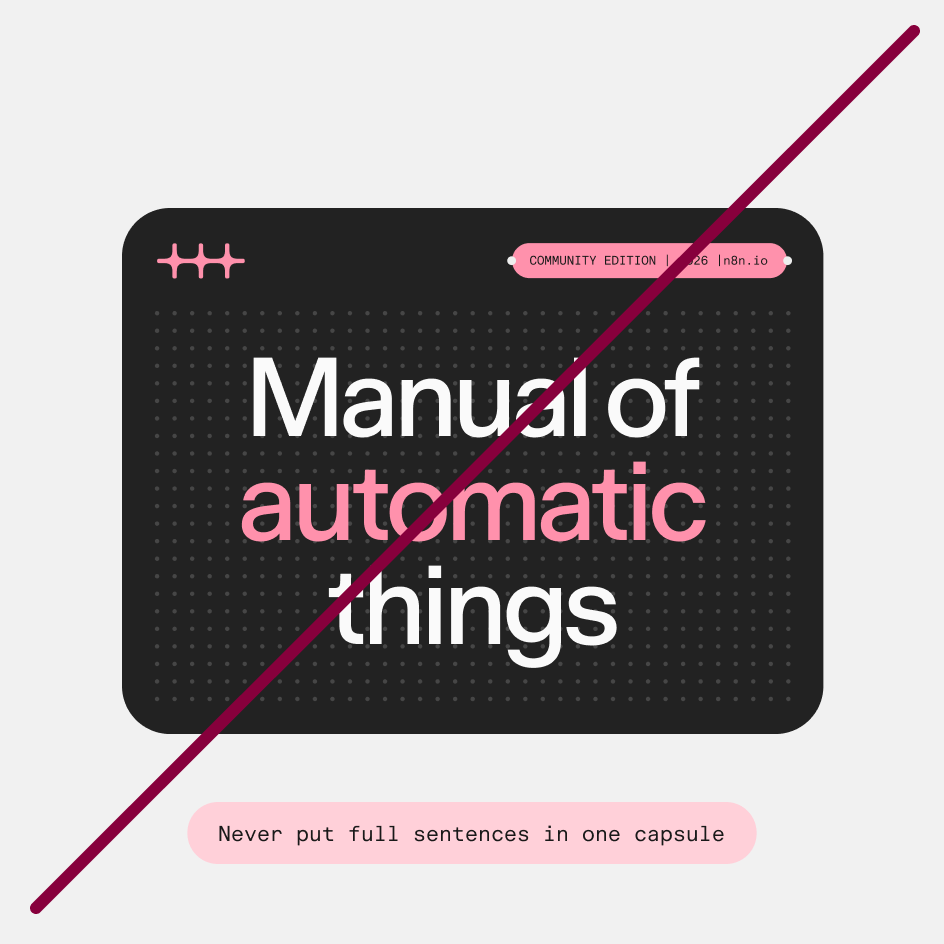
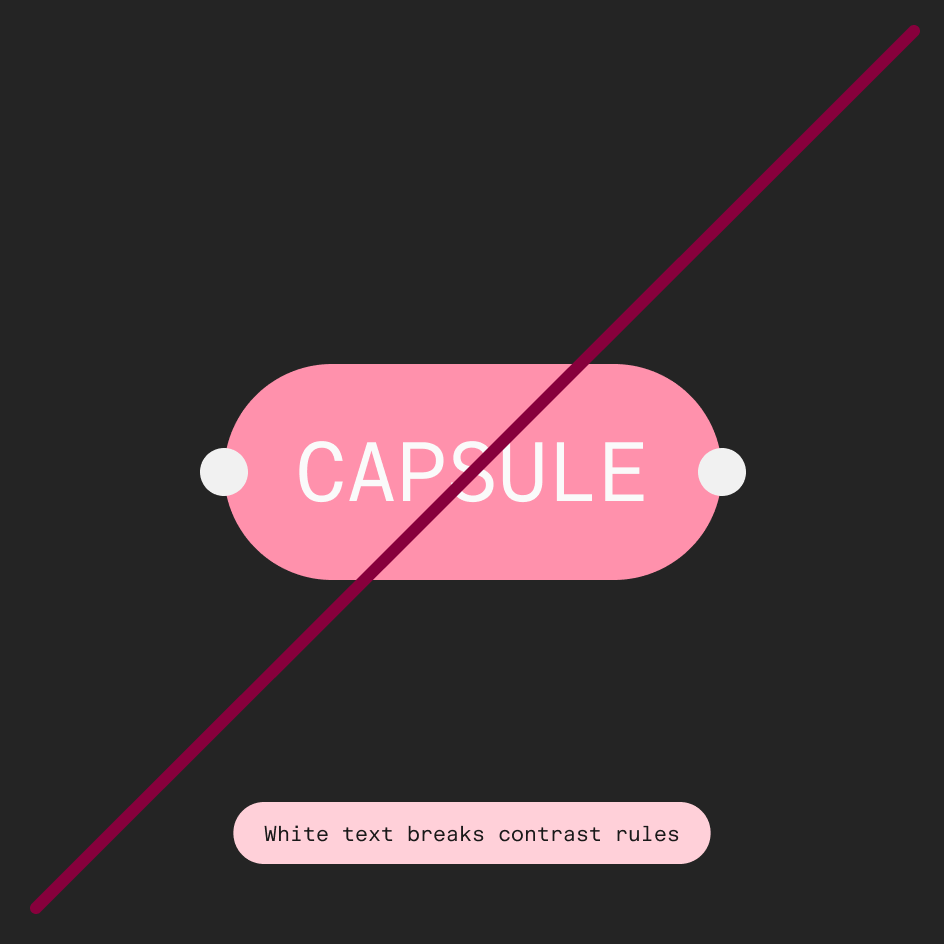
The capsule is a versatile element, but it works best when used with intent. Here are some dos and don’ts:
The deboss
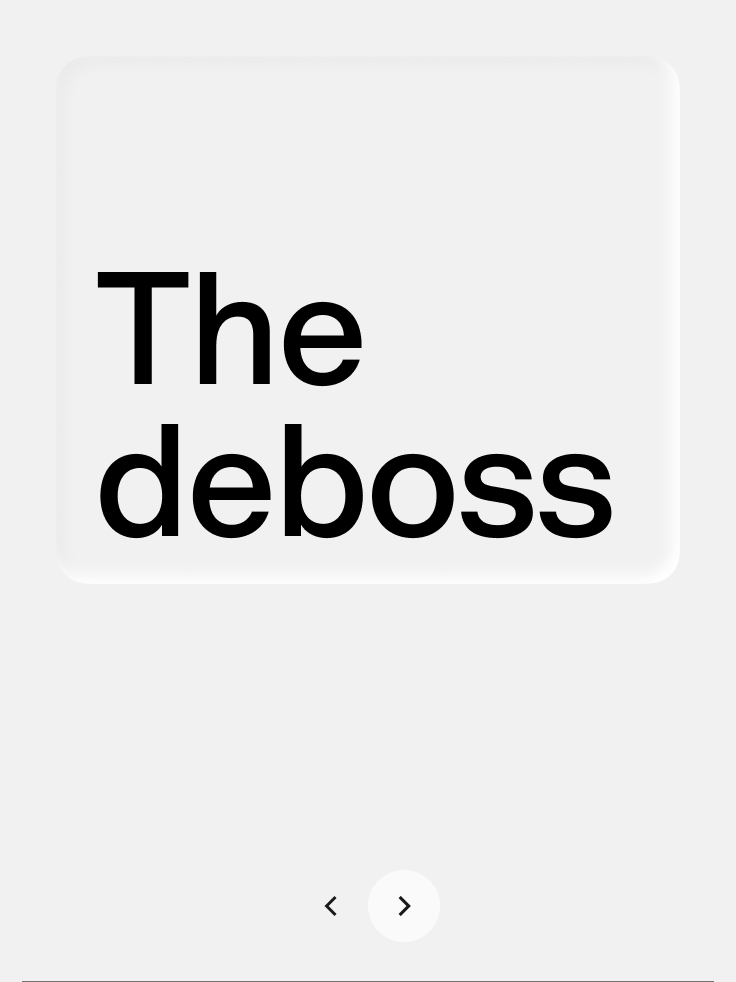
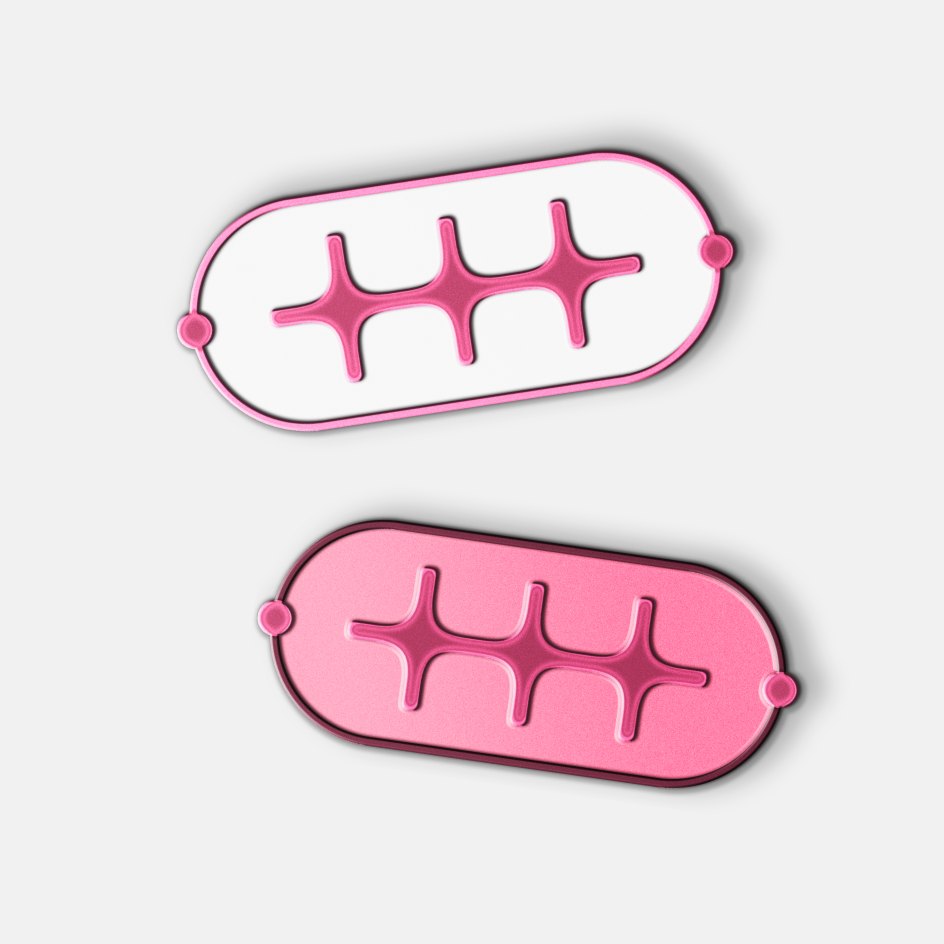
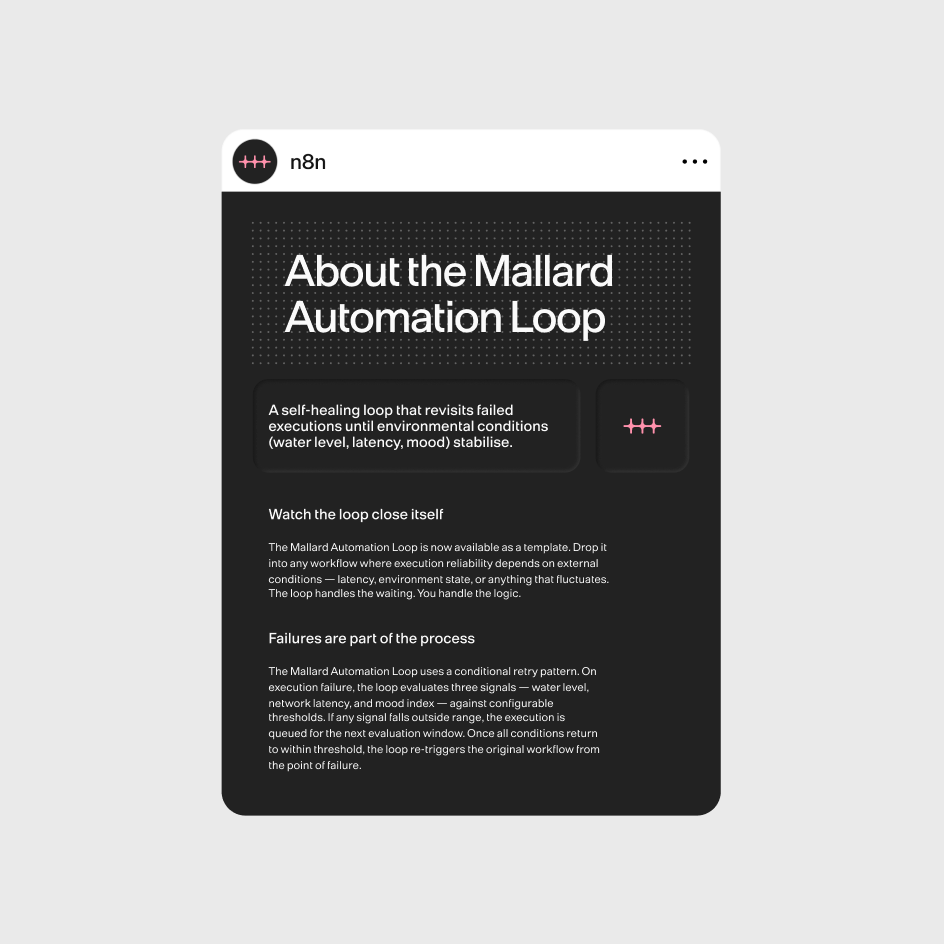
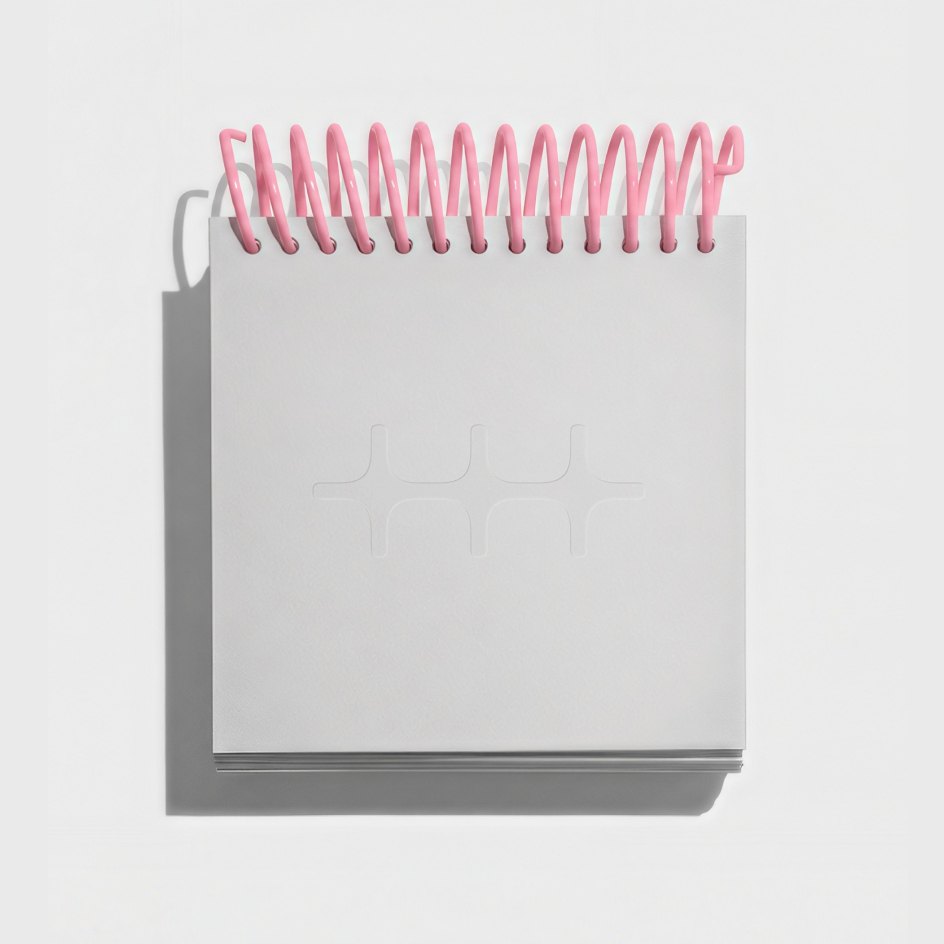
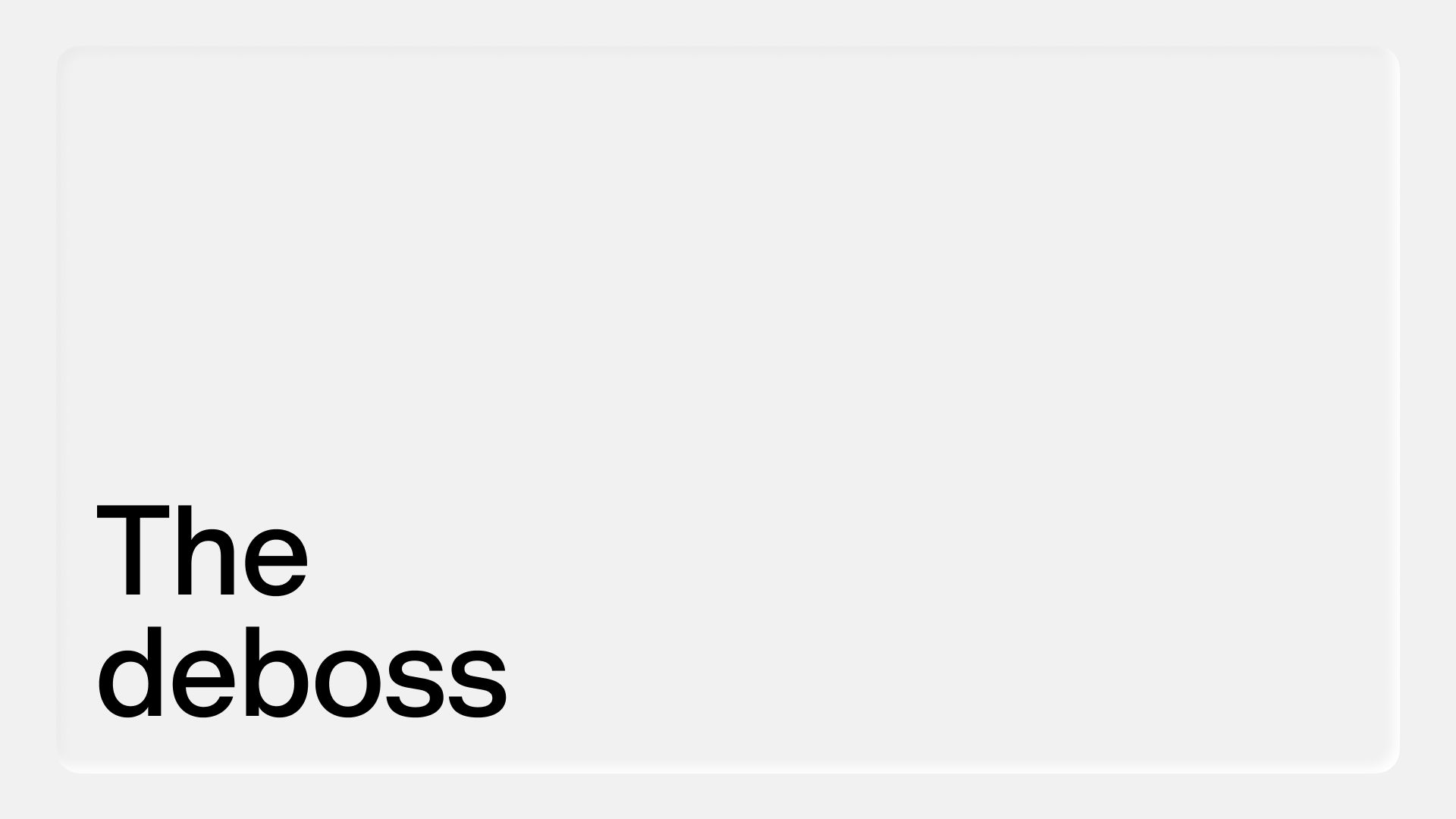
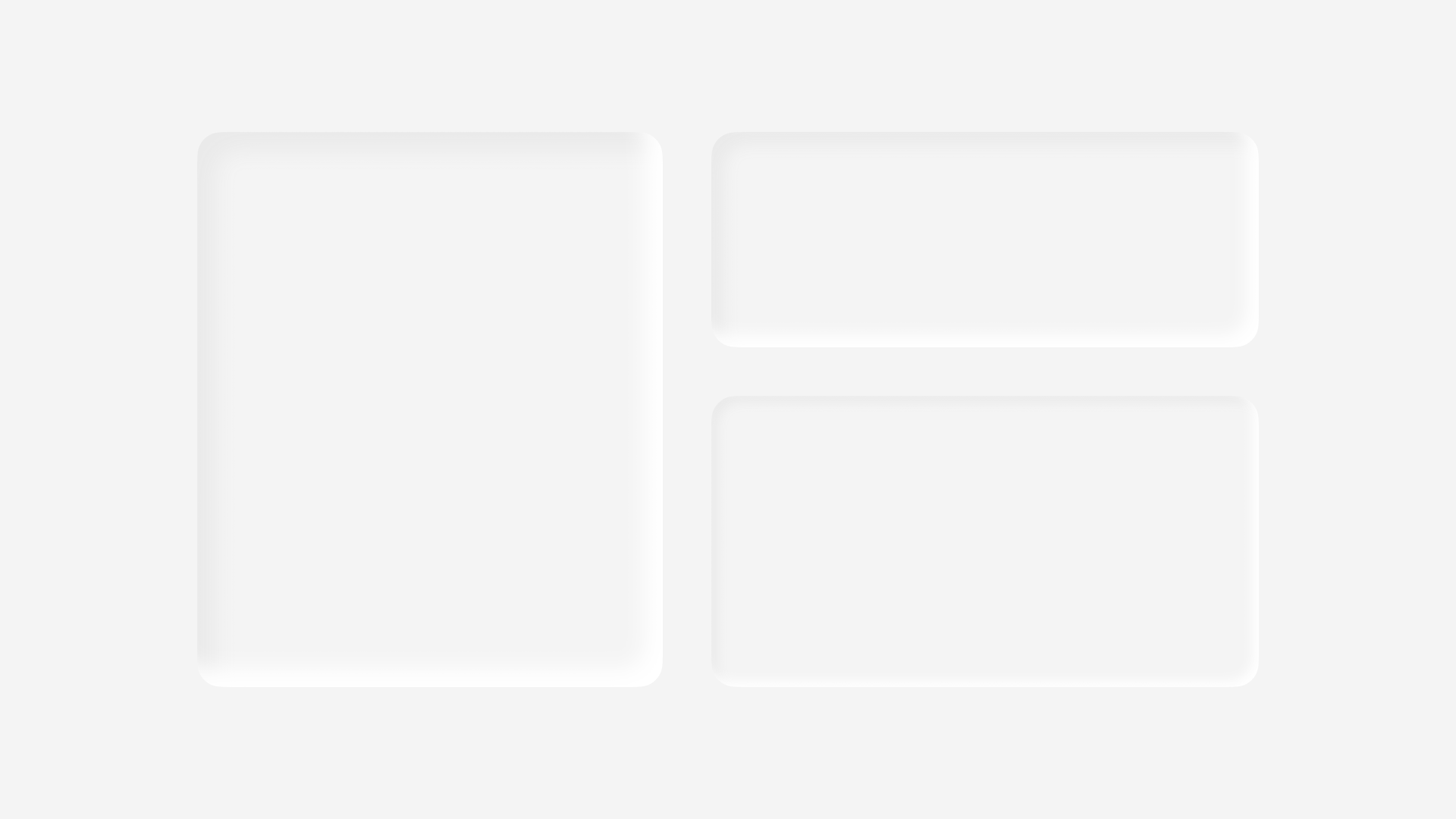
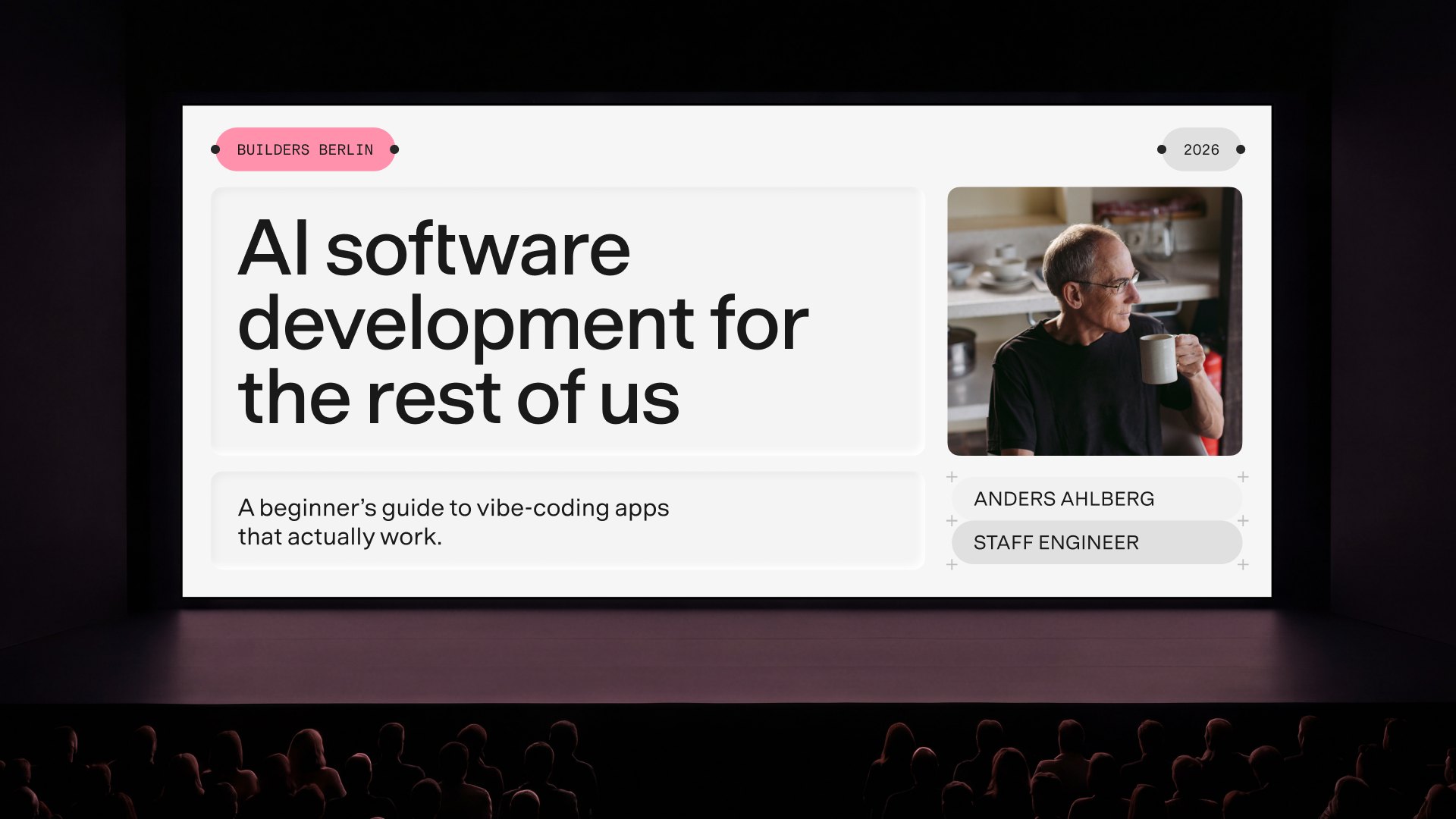
The deboss introduces a layer of tactility to the brand system: a subtle three-dimensional quality that sits in deliberate contrast to the utilitarian grid, dots, and capsules.
Where those elements are precise and structural, the deboss feels soft, physical, and human, balancing the system’s technical character with warmth and materiality.
The result is a quieter expression of the brand that adds depth without competing for attention.
Depth scale
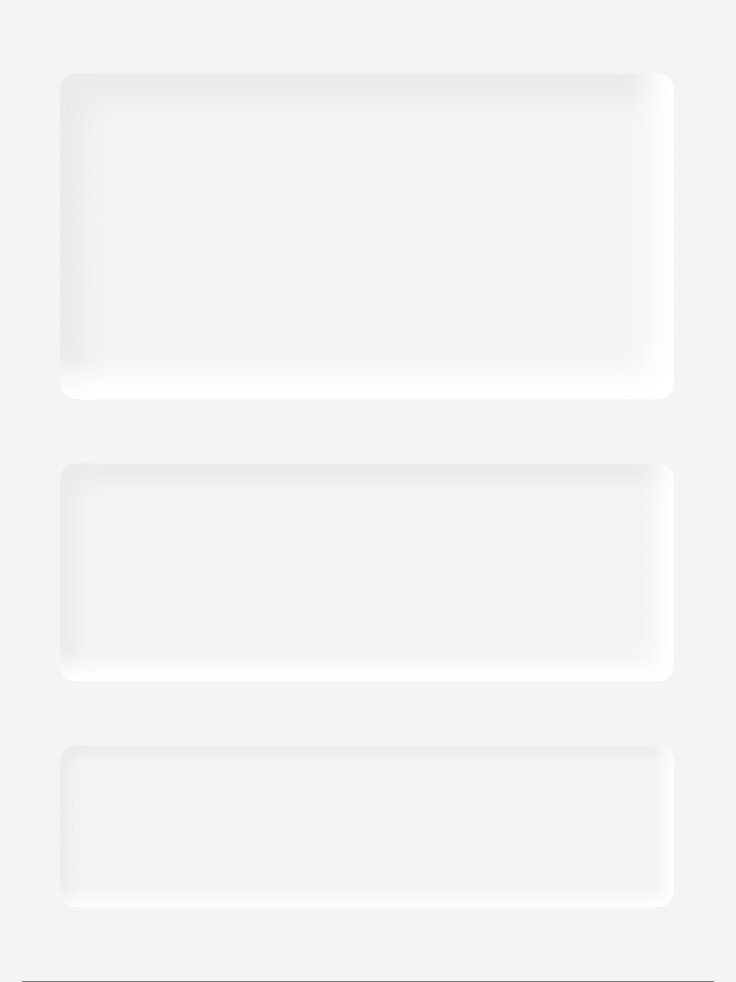
Four depth levels control the intensity of the effect. The guiding principle is simple: flatter for smaller applications, deeper for larger ones.

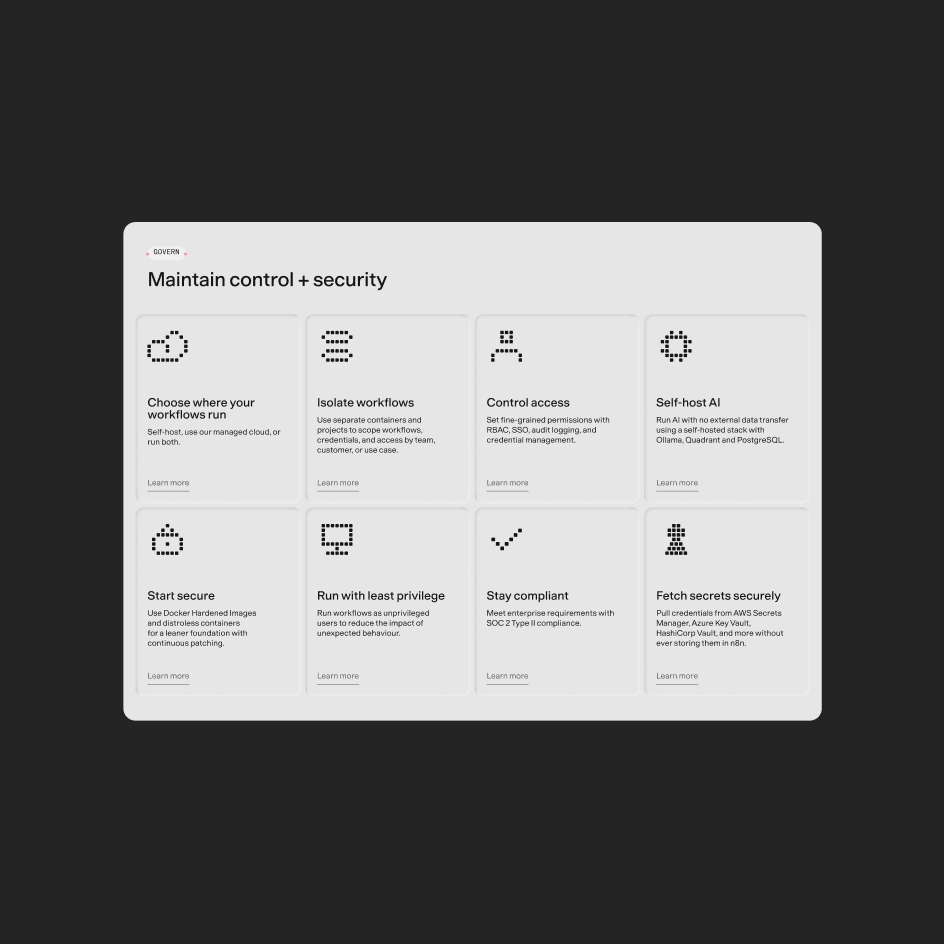
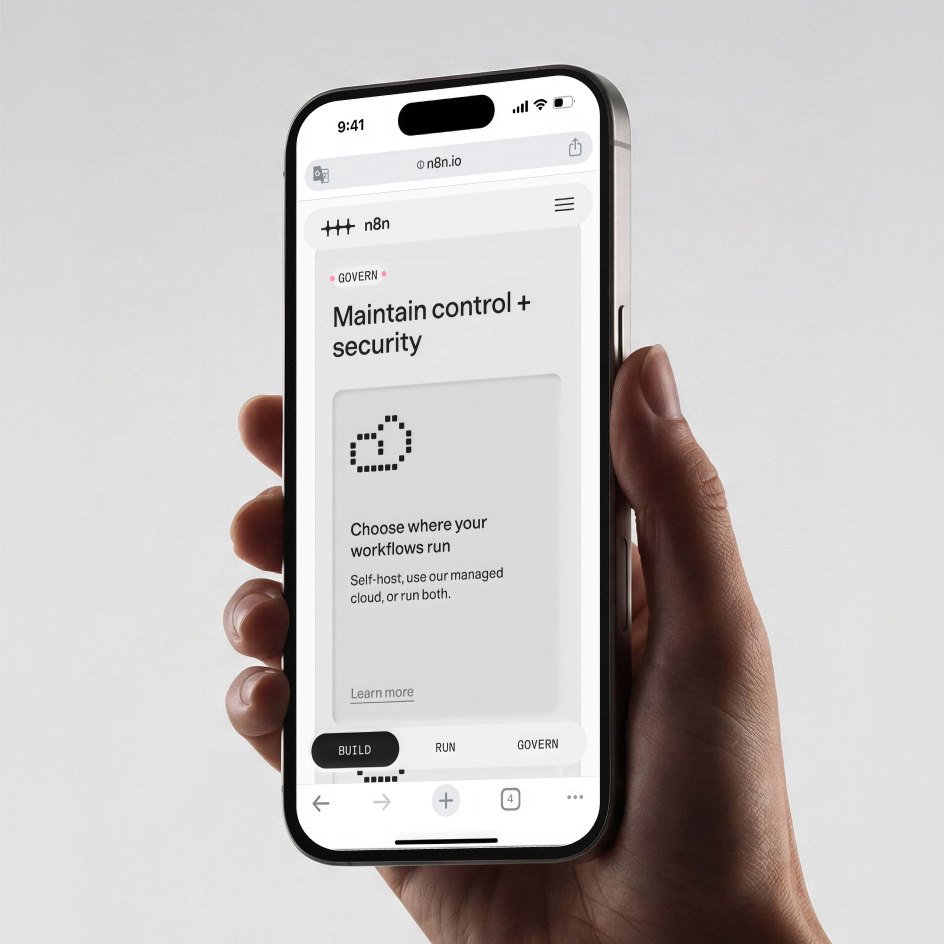
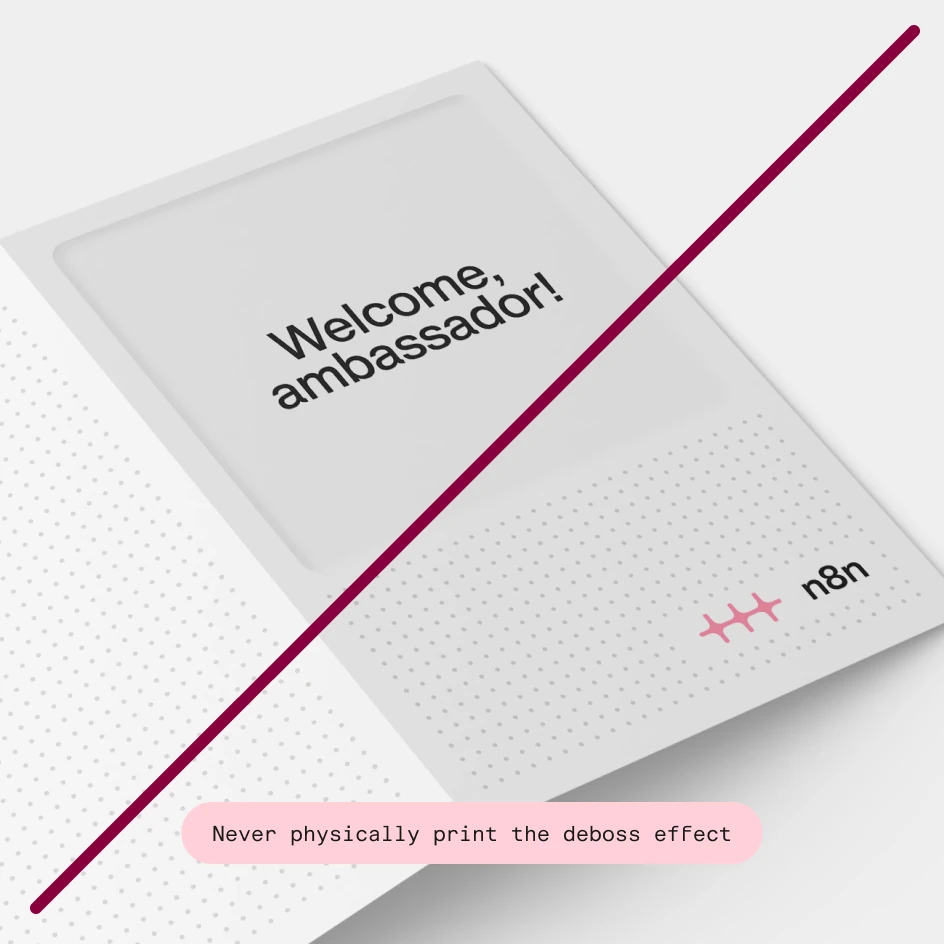
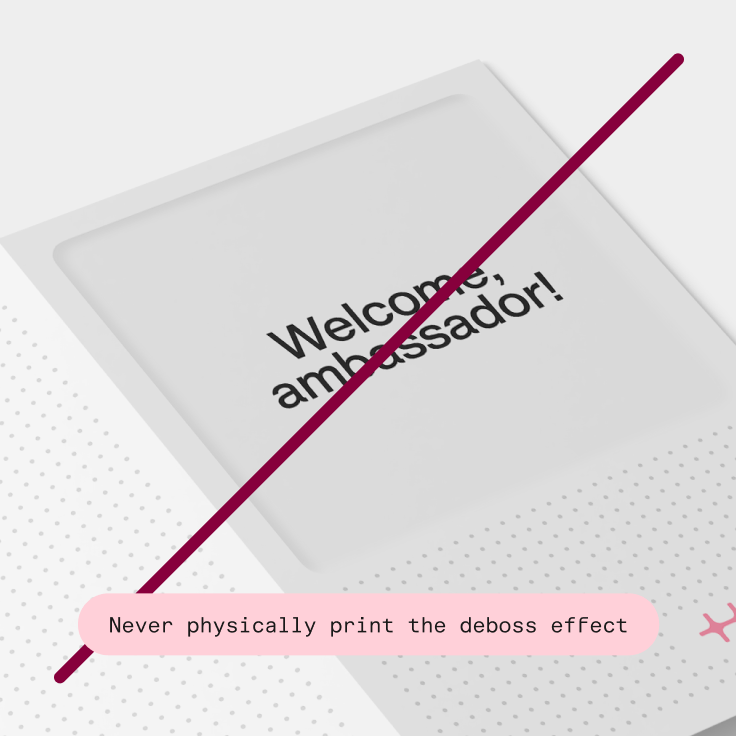
The digital deboss effect is for digital assets only. In print, the paper should be physically debossed to achieve the same effect.
If typography, color, and our logo are the foundation of our brand, our graphic devices are the secret sauce. They give it personality and substance.
The dot grid
The dot grid is taken directly from the n8n product interface and reimagined as an expansive graphic element. It deliberately carries the product experience into the brand.
The dot grid follows the same logic as our overall grid system and must always align with it.
Applying the dot grid
Always set the dot grid from the correct origin point and align it to the base grid before building anything around it. If it drifts, the pattern breaks: dots fall between grid increments, spacing feels off, and the composition loses its structural integrity.
Scaling
The dot grid can be scaled to create more dynamic compositions. Always scale in grid increments rather than freely, so the dots keep their structural relationship to the grid.
As a text container
When the dot grid is used as a container for text, type size and line height should align with the grid. This lets the text and grid work together rather than compete visually.
The capsules
Like the dot grid, the capsule originates from the product interface. It is brought into the visual identity as a deliberate echo of the tool itself. It is one of the most versatile elements in the system, working as a label, tag, breadcrumb, or navigational device, and as a compositional element in its own right.
In every context, the capsule builds hierarchy and adds a distinctly n8n character to the layout.
Nodes
Derived directly from the nodes within the product, this variant extends a recognizable product element into the brand.
Nodes can connect horizontally, making them well suited to sequential labels, tags, and micro-headings.
They can also be used playfully as a standalone graphic device.
Crosshairs
The crosshair capsule is the most technical expression of the capsule system, designed for structured, information-rich layouts. Crosshair capsules can be stacked vertically.
Some things to keep in mind
The capsule is a versatile element, but it works best when used with intent. Here are some dos and don’ts:
The deboss
The deboss introduces a layer of tactility to the brand system: a subtle three-dimensional quality that sits in deliberate contrast to the utilitarian grid, dots, and capsules.
Where those elements are precise and structural, the deboss feels soft, physical, and human, balancing the system’s technical character with warmth and materiality.
The result is a quieter expression of the brand that adds depth without competing for attention.
Depth scale
Four depth levels control the intensity of the effect. The guiding principle is simple: flatter for smaller applications, deeper for larger ones.
The digital deboss effect is for digital assets only. In print, the paper should be physically debossed to achieve the same effect.